
Building your first gaming PC can feel complicated. There are dozens of processors, graphics cards, motherboards, RAM kits, SSDs, and power supplies to choose from, and a mistake with one component can affect the entire system.
The good news is that you do not need an expensive PC to start gaming. A carefully balanced budget build can provide an excellent 1080p experience while leaving room for future upgrades.
In 2026, the budget GPU market includes options such as the GeForce RTX 5050, RTX 5060, Radeon RX 9060 XT, and Intel Arc B570/B580, while older platforms can still make sense when the goal is to spend as little as possible. Current GPU pricing is also fluctuating, so the best choice depends heavily on the price you can actually find at the time of purchase.
This guide explains how to choose the right parts, where to spend your money, which components you should not cheap out on, and what kind of gaming PC makes sense for different budgets.
What Makes a Good Budget Gaming PC in 2026?
A good budget gaming PC is not simply the cheapest combination of components.
The goal is to build a balanced system where the processor, graphics card, memory, storage, power supply, and cooling all work well together.
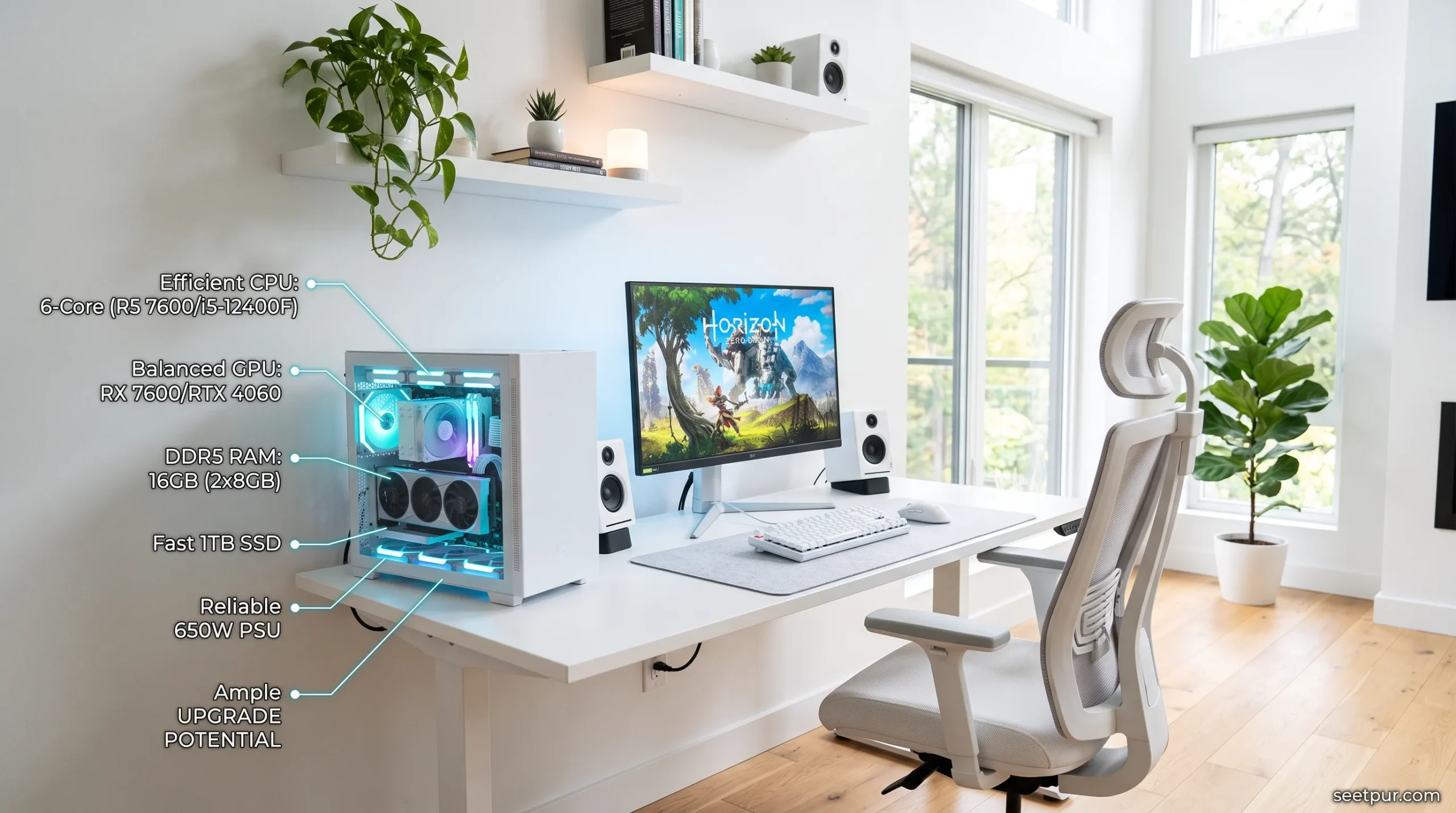
For most beginners, the graphics card deserves a large portion of the budget because it has the biggest influence on gaming performance. However, pairing a powerful GPU with an extremely weak processor or poor-quality power supply can create other problems.
You should also think about the platform you are buying into.
For example, an inexpensive AM4 system based around a Ryzen 5 5600 can still provide excellent value when paired with a suitable graphics card, while an AM5 build costs more initially but provides a newer upgrade path. The Ryzen 5 5600 remains a recognized budget option, while newer AM5 processors such as the Ryzen 5 7600/9600X are worth considering when the budget allows.
The right decision therefore depends on whether your priority is the lowest possible cost today or easier upgrades later.
A Quick Look at the Best Budget Build Levels
| Budget Level | Best For | Typical Gaming Target |
|---|---|---|
| Ultra-budget | Esports and older games | 1080p |
| Around $600 | Affordable new gaming PC | 1080p |
| Around $800 | Strong all-round gaming | 1080p / some 1440p |
| Around $1,000 | Higher-performance gaming | 1080p / 1440p |
| Used-market build | Maximum value | Depends on parts |
These are general budget categories rather than fixed prices because component pricing can change considerably between countries and retailers.
Best Budget Gaming PC Build Under $600
For many beginners, the $600 range is where a custom gaming PC starts becoming particularly interesting.
The goal here is not to install the most expensive hardware possible. Instead, you want to put enough money into the GPU while keeping the supporting components sensible.
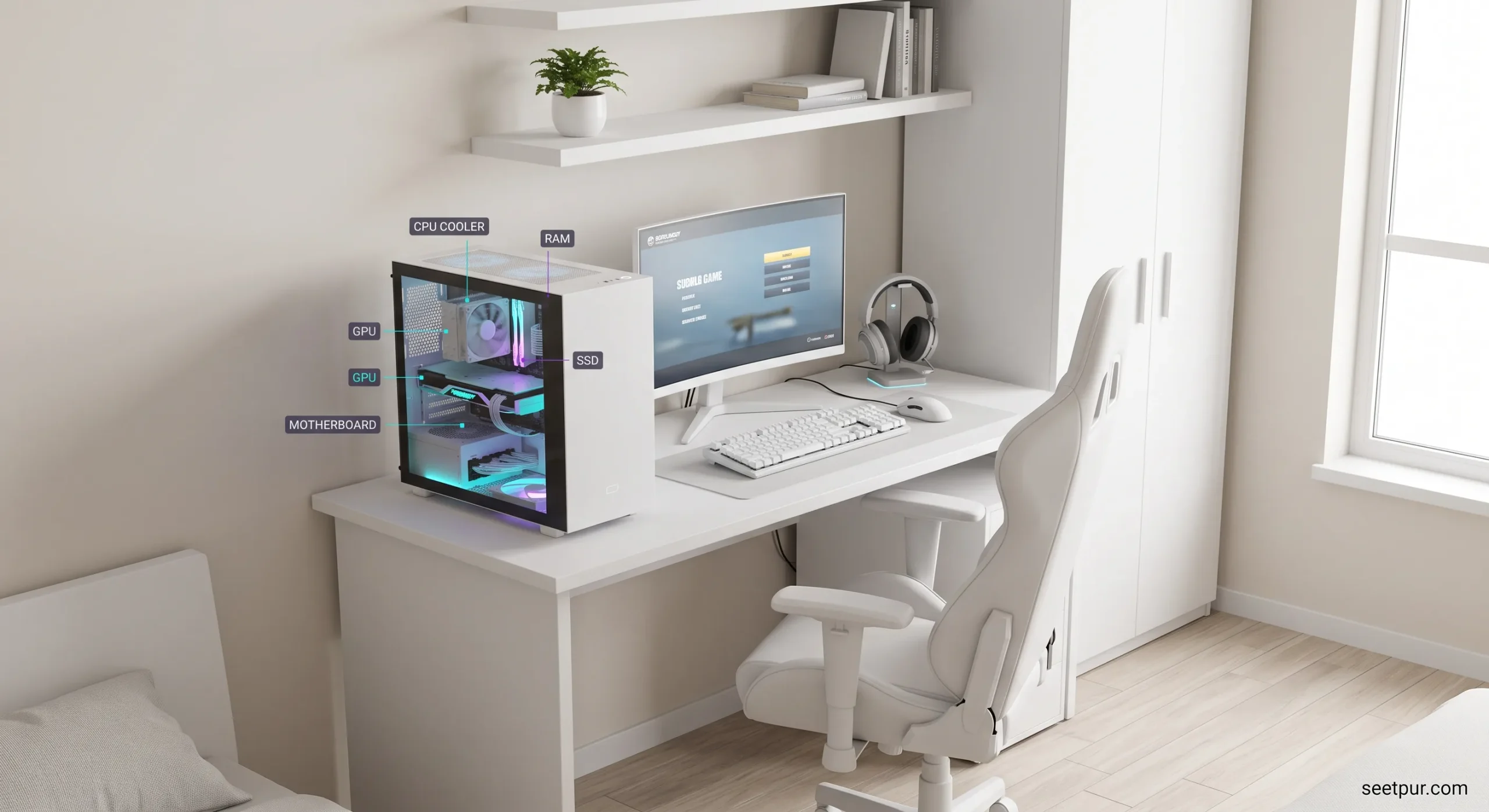
A modern entry-level GPU such as the RTX 5050 or a competitively priced AMD alternative can make sense for a 1080p-focused system. The RTX 5060 and RX 9060 XT are also worth watching if their local prices are close enough to your budget. Current market comparisons show both cards competing strongly in the mainstream 1080p category.
A sensible component balance
CPU: Ryzen 5 class processor
GPU: RTX 5050 / RTX 5060 / RX 9060 XT depending on price
RAM: 16GB minimum
Storage: 1TB NVMe SSD preferred
Motherboard: Budget board with the features you actually need
PSU: Quality 550W–650W unit
Case: Airflow-focused budget case
You do not need an expensive motherboard or RGB-heavy case at this level. Money is generally better spent where it improves actual gaming performance.
Who should choose this build?
This level is ideal for someone who wants to play games such as Fortnite, Valorant, Counter-Strike 2, Apex Legends, GTA V, and many modern games at 1080p without spending heavily on unnecessary features.
Read More: Top 5 Gaming Desks for Small Spaces (Buying Guide)
Best Budget Gaming PC Build Under $1,000
At around $1,000, the goal changes slightly.
You are no longer trying to build the cheapest possible gaming PC. Instead, you want a system that can comfortably handle demanding games while giving you a sensible upgrade path.
A modern mid-range GPU such as the RX 9060 XT 16GB or a higher-tier card when discounted can make sense here. Current GPU comparisons show the RX 9060 XT 16GB performing strongly for 1080p and 1440p gaming, although actual value depends on its street price.
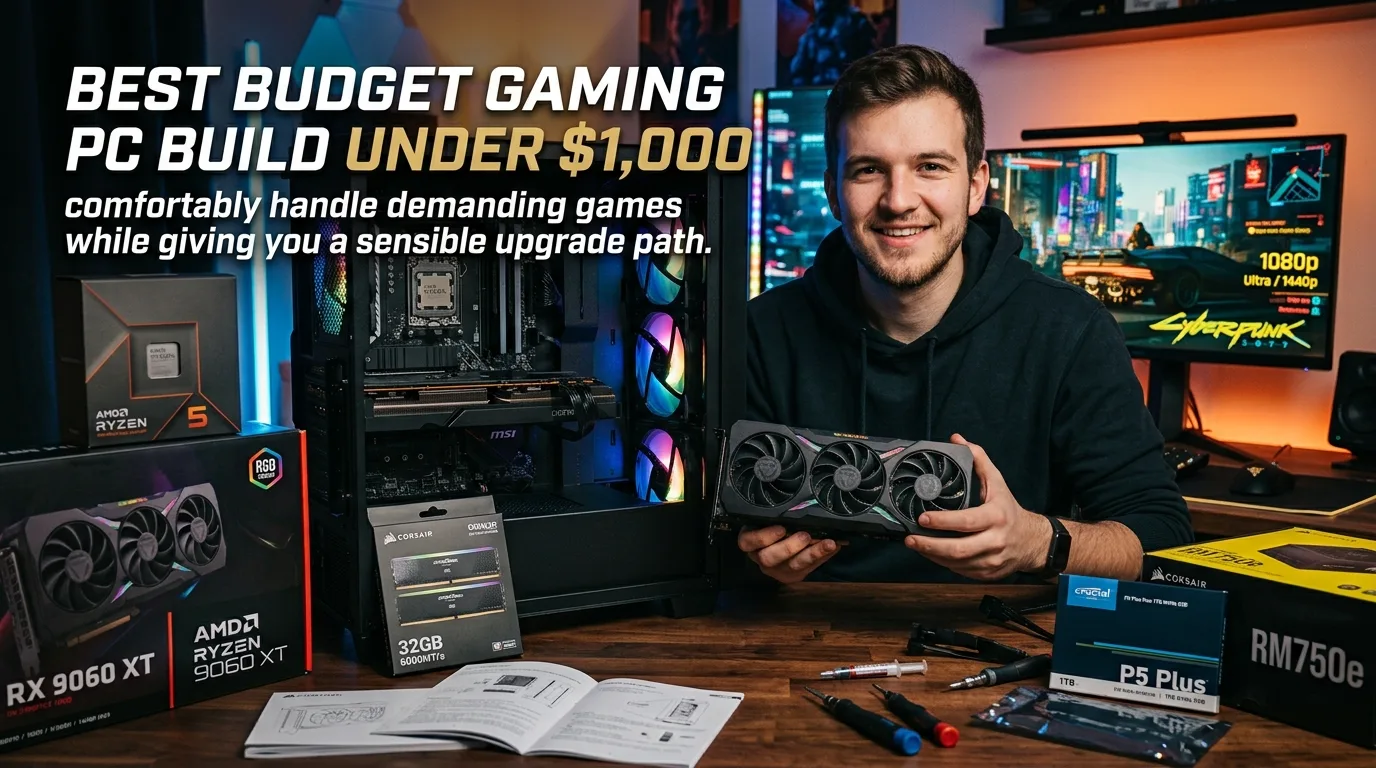
Example component direction
CPU: Ryzen 5 7600 / 9600X class
GPU: RX 9060 XT 16GB / RTX 5060 Ti class or better deal
RAM: 32GB DDR5
Storage: 1TB or 2TB NVMe SSD
Motherboard: Quality B650/B850-class board depending on CPU and pricing
PSU: 650W–750W quality unit
Cooling: Good tower cooler or suitable included solution
Case: Airflow-focused mid-tower
You don’t necessarily need a premium processor for gaming.
In fact, spending too much on the CPU while using a weaker GPU can be a poor allocation of your budget.
The Most Important Component: Your GPU
If gaming is the primary purpose of the PC, the graphics card deserves serious attention.
The GPU determines much of your gaming performance, especially when playing at higher resolutions or using higher graphical settings.
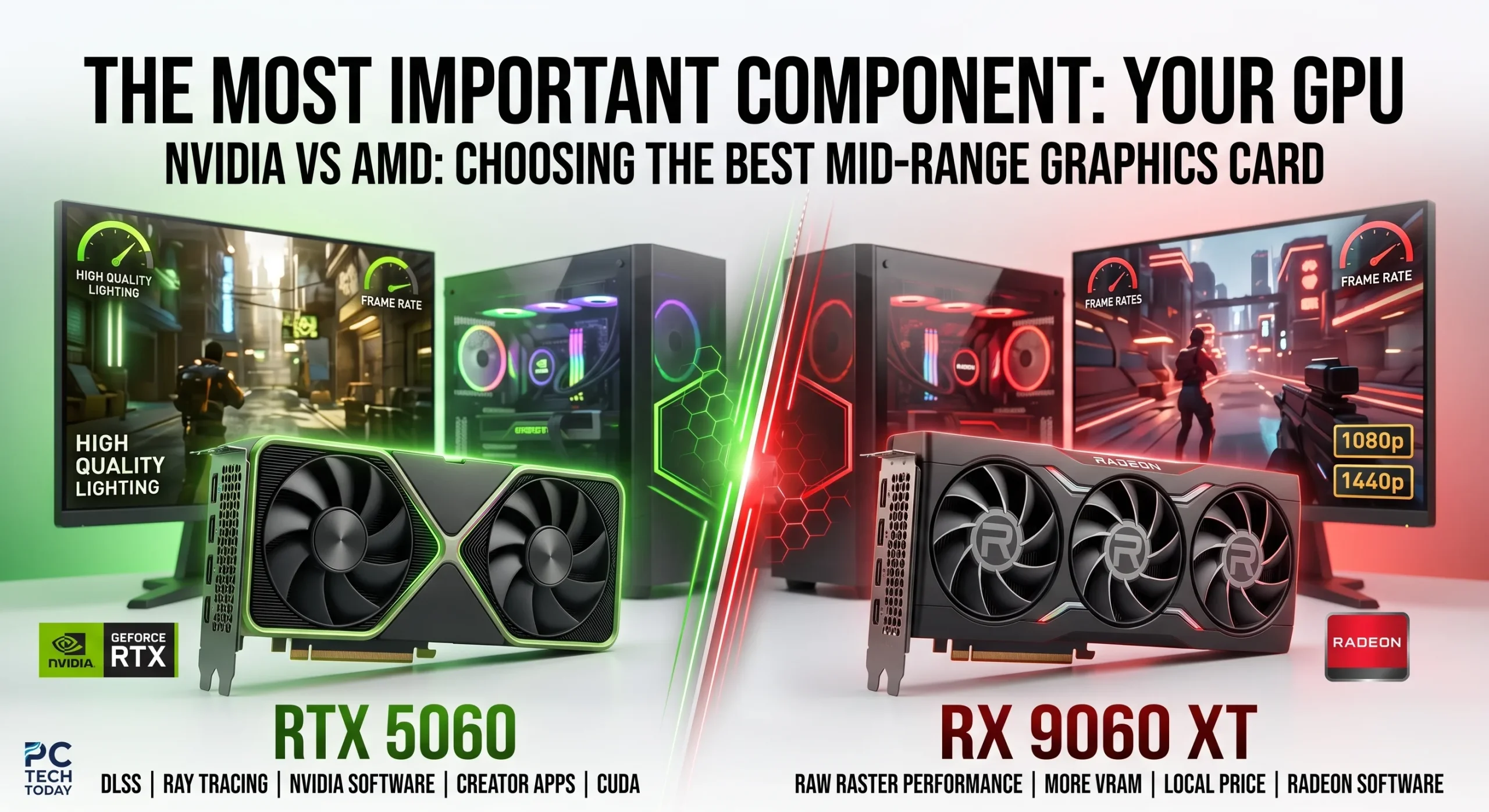
In the current market, cards such as the RTX 5060 and RX 9060 XT are positioned toward mainstream gamers, while more expensive cards move into stronger 1440p and 4K territory.
NVIDIA vs AMD
NVIDIA can be attractive if you care about:
- DLSS
- Ray tracing
- NVIDIA-specific software features
- Certain creator applications
- CUDA-dependent workloads
AMD can be attractive when:
- Raw rasterized gaming performance matters most
- You want more VRAM at a particular price
- The Radeon card is significantly cheaper locally
There is no universal winner.
Buy based on the actual price and games you play, not brand loyalty.
Choosing the Right CPU
The CPU should complement the graphics card.
For a budget gaming PC, a six-core processor is often a sensible starting point.
The Ryzen 5 5600 remains an interesting low-cost option for AM4 builds, while newer Ryzen 5 processors on AM5 make more sense if you want a modern platform with future upgrade potential. Current CPU guides continue to list the Ryzen 5 5600 among budget options, while newer Ryzen processors occupy higher-performance categories.
You don’t need a high-end Ryzen 7 or Core Ultra 7 simply because it sounds more powerful.
If the computer is primarily for gaming, putting the saved money toward a stronger GPU can often produce a more noticeable improvement.
How Much RAM Does a Gaming PC Need in 2026?
For a new gaming PC, 16GB should be considered the practical starting point, while 32GB is increasingly attractive if your budget allows.
A 2×8GB kit can be perfectly reasonable for an inexpensive 16GB system, provided the motherboard and platform support it appropriately.
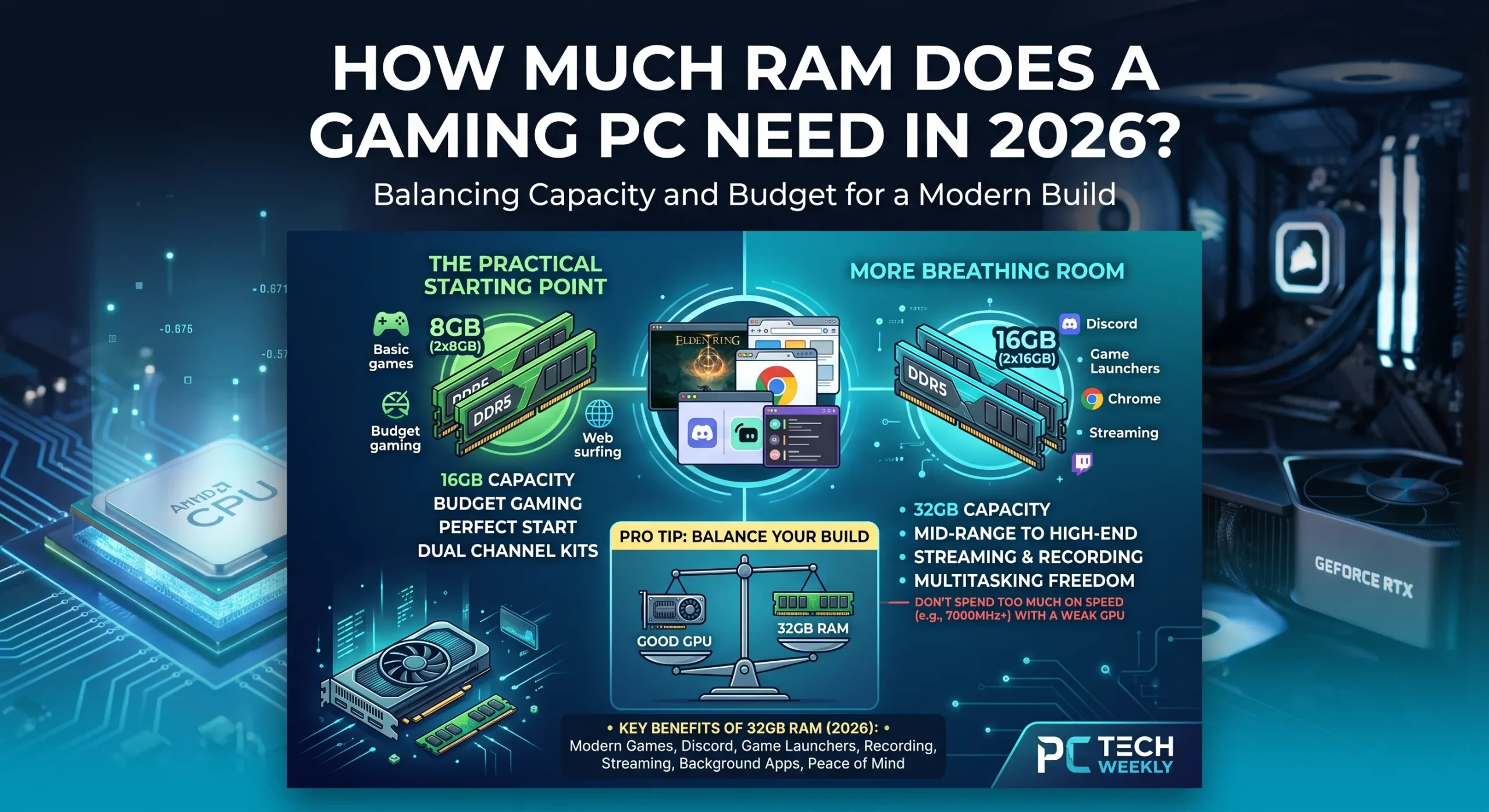
For a new mid-range PC, 32GB gives you more breathing room for:
- Modern games
- Chrome/browser tabs
- Discord
- Game launchers
- Recording
- Streaming
- Background applications
Don’t spend a huge amount on extremely high-speed RAM while using a weak graphics card.
A balanced 32GB kit is generally more useful than expensive memory with specifications you won’t notice in everyday gaming.
How Much SSD Storage Do You Need?
I would recommend 1TB of SSD storage for most new gaming PCs if the budget allows.
Modern games can consume a significant amount of space, and a 500GB drive can become uncomfortable surprisingly quickly.
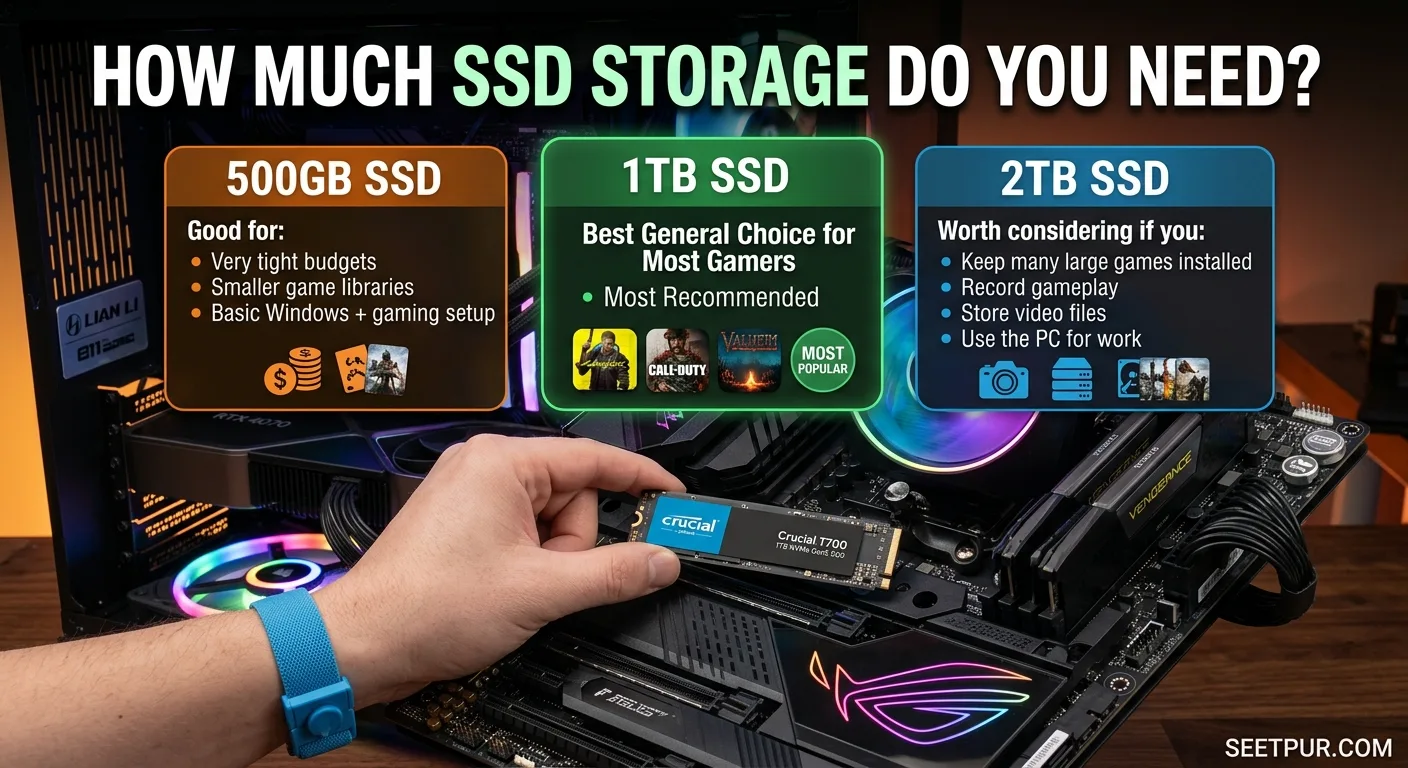
500GB SSD
Good for:
- Very tight budgets
- Smaller game libraries
- Basic Windows + gaming setup
1TB SSD
Best general choice for most gamers.
2TB SSD
Worth considering if you:
- Keep many large games installed
- Record gameplay
- Store video files
- Use the PC for work as well as gaming
An NVMe SSD is usually the obvious choice for a modern build because it offers fast storage without the cable clutter of traditional SATA drives.
Don’t Cheap Out on the Power Supply
The power supply is one of the least exciting components, but it is one of the places where beginners should be careful.
A cheap, poorly built PSU can create stability problems and potentially damage other components.
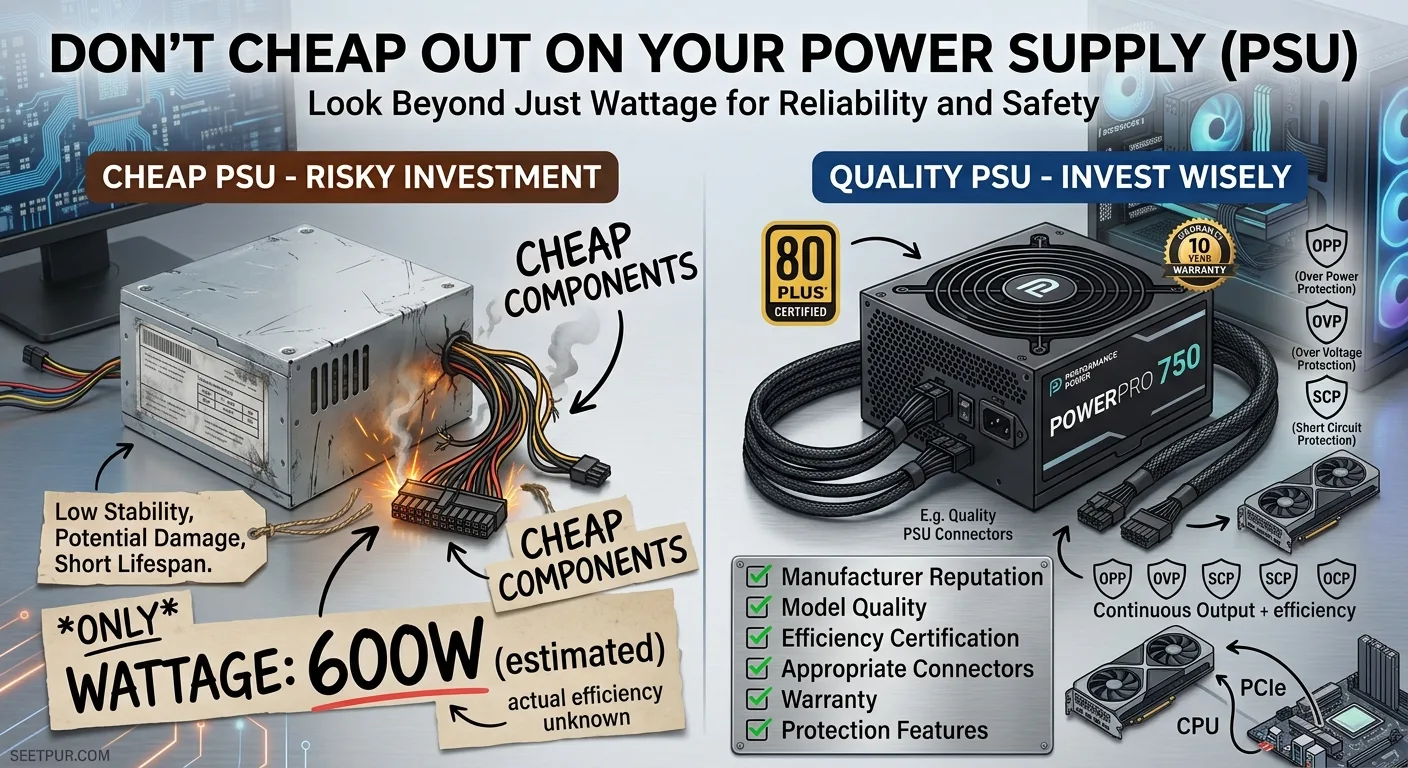
Instead of choosing a power supply based only on its wattage, look at:
- Manufacturer reputation
- Model quality
- Efficiency certification
- Warranty
- Appropriate connectors
- Adequate wattage for your GPU
- Protection features
For many budget systems, a quality 550W–650W PSU is sufficient. More powerful GPUs may require more.
The exact wattage should be selected after considering the complete system rather than guessing.
Choose the Case for Airflow, Not RGB
A gaming PC case does not need to look like a spaceship.
A simple case with:
- Good front intake
- Rear/top exhaust
- Dust filters
- Enough GPU clearance
- Proper cable space
- CPU cooler clearance
can be better than an expensive case covered in RGB.
Airflow matters because gaming components produce heat under sustained load.
If the case has poor ventilation, even good hardware can struggle to maintain its performance comfortably.
1080p vs 1440p: What Should a Beginner Choose?
For a first budget gaming PC, 1080p remains the easiest target.
A 1080p monitor requires less GPU performance than 1440p, allowing you to spend less on the graphics card.
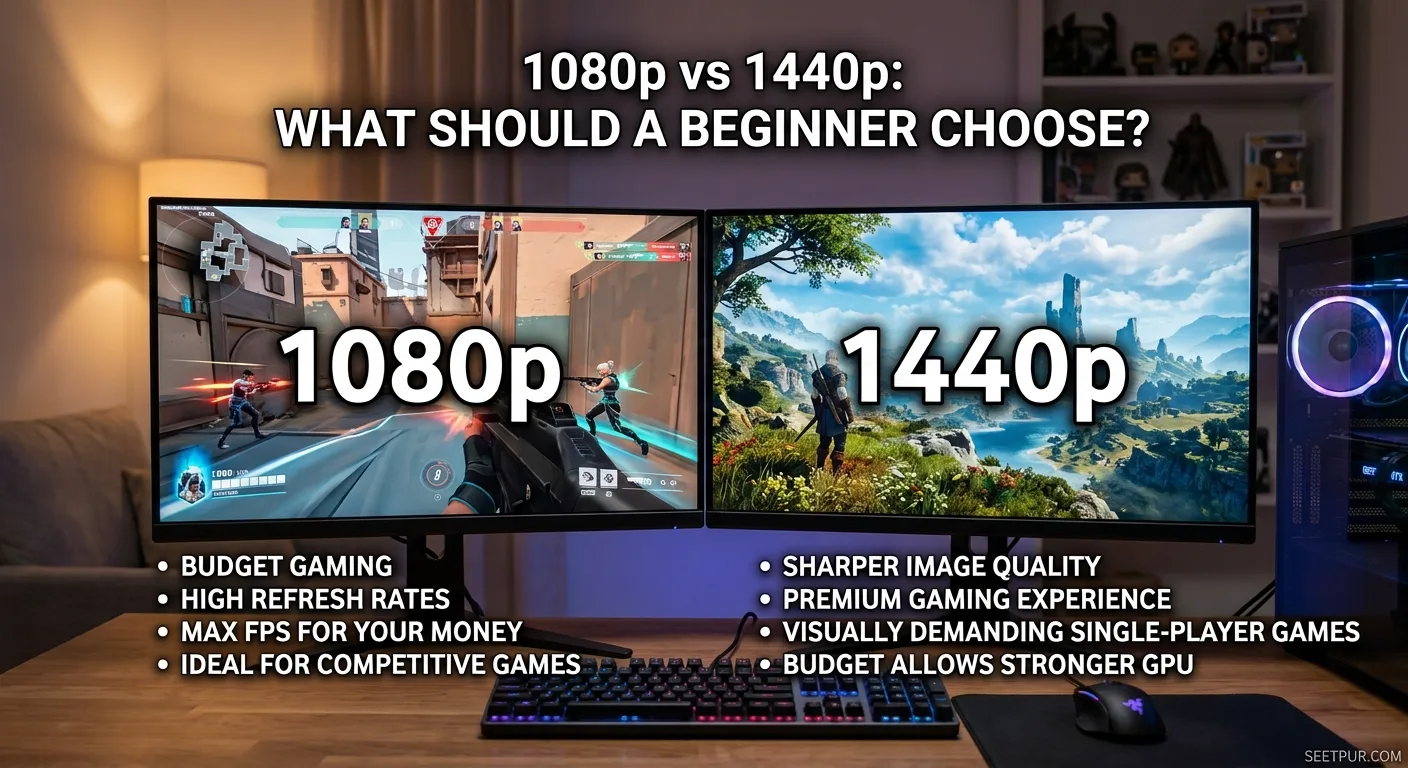
Choose 1080p if:
- Your budget is limited
- You mainly play competitive games
- You want high refresh rates
- You want maximum FPS for your money
Choose 1440p if:
- Your budget allows a stronger GPU
- You prefer sharper image quality
- You play visually demanding single-player games
- You want a more premium gaming experience
Don’t buy an expensive 1440p monitor and then pair it with a graphics card that struggles to drive it.
The monitor and GPU should be planned together.
How to Build a Gaming PC for the First Time
Building a PC is much less intimidating when you approach it in the right order.
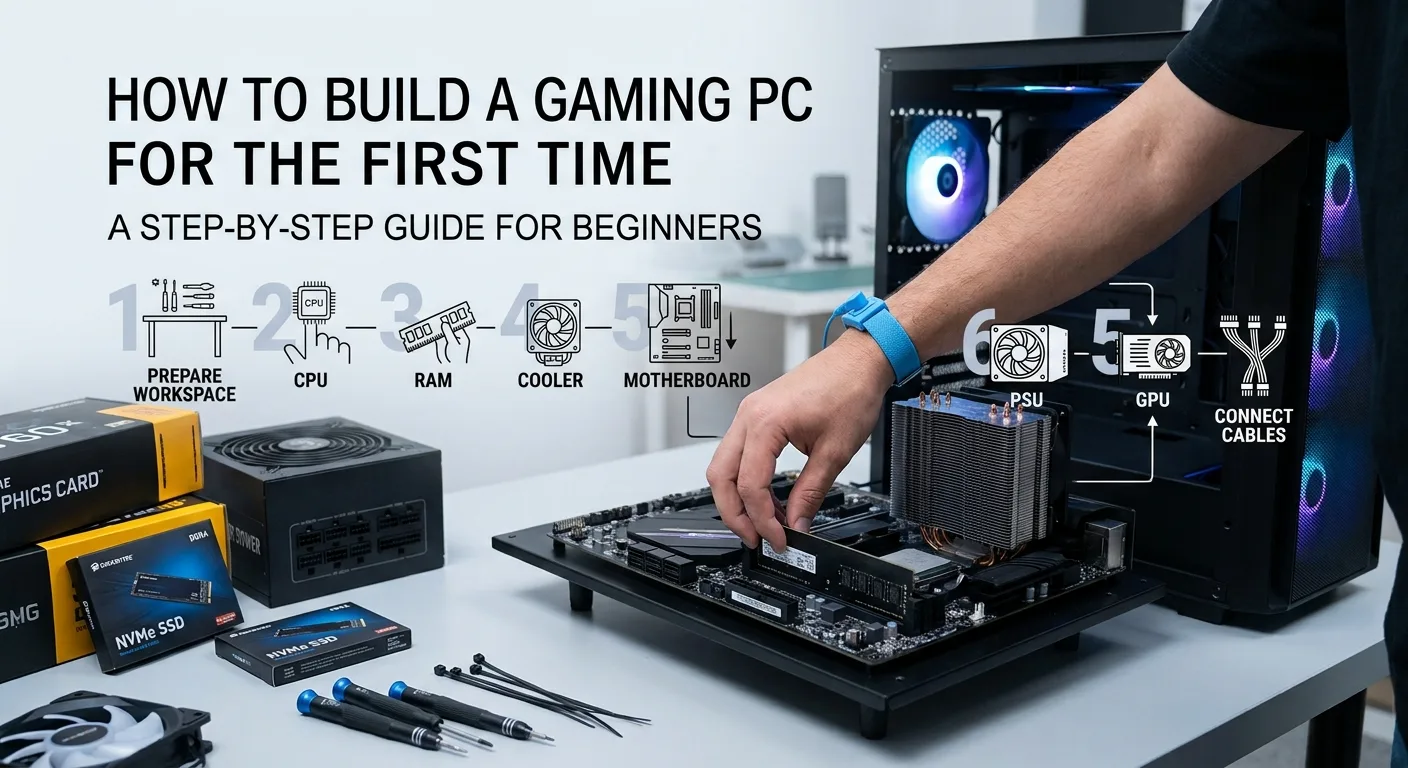
1. Prepare your workspace
Use a clean, well-lit table and keep your components organized.
2. Install the CPU
Carefully place the processor into the motherboard socket according to the manufacturer’s instructions.
3. Install the RAM
Install the memory modules in the recommended motherboard slots.
4. Install the SSD
Install your NVMe SSD into the appropriate motherboard slot.
5. Install the CPU cooler
Apply thermal paste if required and mount the cooler correctly.
6. Install the motherboard
Place the motherboard inside the case and secure it properly.
7. Install the power supply
Mount the PSU and route the main cables through the case.
8. Install the GPU
Insert the graphics card into the appropriate PCIe slot and secure it.
9. Connect the cables
Connect the motherboard, CPU, GPU, storage, fans, and front-panel cables.
10. Test the PC
Before installing everything permanently, check whether the system successfully reaches the BIOS.
11. Install Windows and drivers
After the first successful boot, install the operating system and the latest appropriate drivers.
12. Check temperatures
Run a few games or suitable benchmarks and monitor CPU and GPU temperatures.
Common Gaming PC Building Mistakes Beginners Should Avoid
One of the biggest mistakes is spending too much money on appearance.
RGB fans, expensive cases, and decorative accessories don’t increase FPS.
Another common mistake is choosing a powerful GPU while using an inadequate power supply.
Beginners also sometimes buy a motherboard with features they will never use while compromising on the graphics card.
Other mistakes include:
- Buying only one RAM stick when dual-channel makes more sense
- Forgetting to check GPU length
- Choosing a case with poor airflow
- Buying too little storage
- Ignoring CPU cooler compatibility
- Using an unreliable PSU
- Spending the entire budget on the PC and forgetting the monitor
- Buying old hardware simply because the specification sheet looks impressive
The best budget build is the one where every component has a purpose.
Used Parts: Can They Be Worth It?
Yes, particularly in markets where new hardware carries a large retail premium.
In Pakistan, used GPUs and ex-office PCs can sometimes dramatically change what is possible on a limited budget. Local 2026 build guides, for example, continue to discuss used RTX 3060-class cards and older Ryzen systems as value-oriented options.
But buying used hardware requires more care.
For a used GPU, check:
- Temperature under load
- Fan noise
- Display outputs
- Artifacting
- Warranty/checking period
- Physical condition
For a used PC, inspect the PSU carefully rather than assuming the included power supply is suitable for a gaming GPU.
A cheap used PC is only a bargain if the important components are actually reliable.
Prebuilt vs Custom Gaming PC
A custom PC gives you much more control over individual components.
| Feature | Custom PC | Prebuilt PC |
|---|---|---|
| Component choice | Excellent | Limited |
| Assembly | Required | Ready to use |
| Upgrade control | Usually better | Depends on model |
| Warranty | Individual parts | Often system-level |
| Beginner convenience | Moderate | Excellent |
| Value | Can be excellent | Depends on seller |
If you enjoy learning and want maximum control, building your own PC is attractive.
If you don’t want to deal with compatibility, assembly, BIOS setup and troubleshooting, a reputable prebuilt system can be worth paying extra for.
How to Upgrade Your Budget Gaming PC Later
You don’t need to build your dream PC on day one.
A good budget system can be upgraded gradually.
For example, you might start with:
16GB RAM + 1TB SSD + mid-range GPU
and later upgrade:
32GB RAM → larger SSD → stronger GPU → CPU
The correct upgrade order depends on which component is limiting your performance.
If your GPU is already running at full utilization while the CPU has plenty of headroom, upgrading the processor may not improve your gaming experience much.
This is why you should identify the bottleneck before buying new hardware.
Gaming Accessories You Actually Need
You don’t need to spend hundreds of dollars on accessories to enjoy PC gaming.
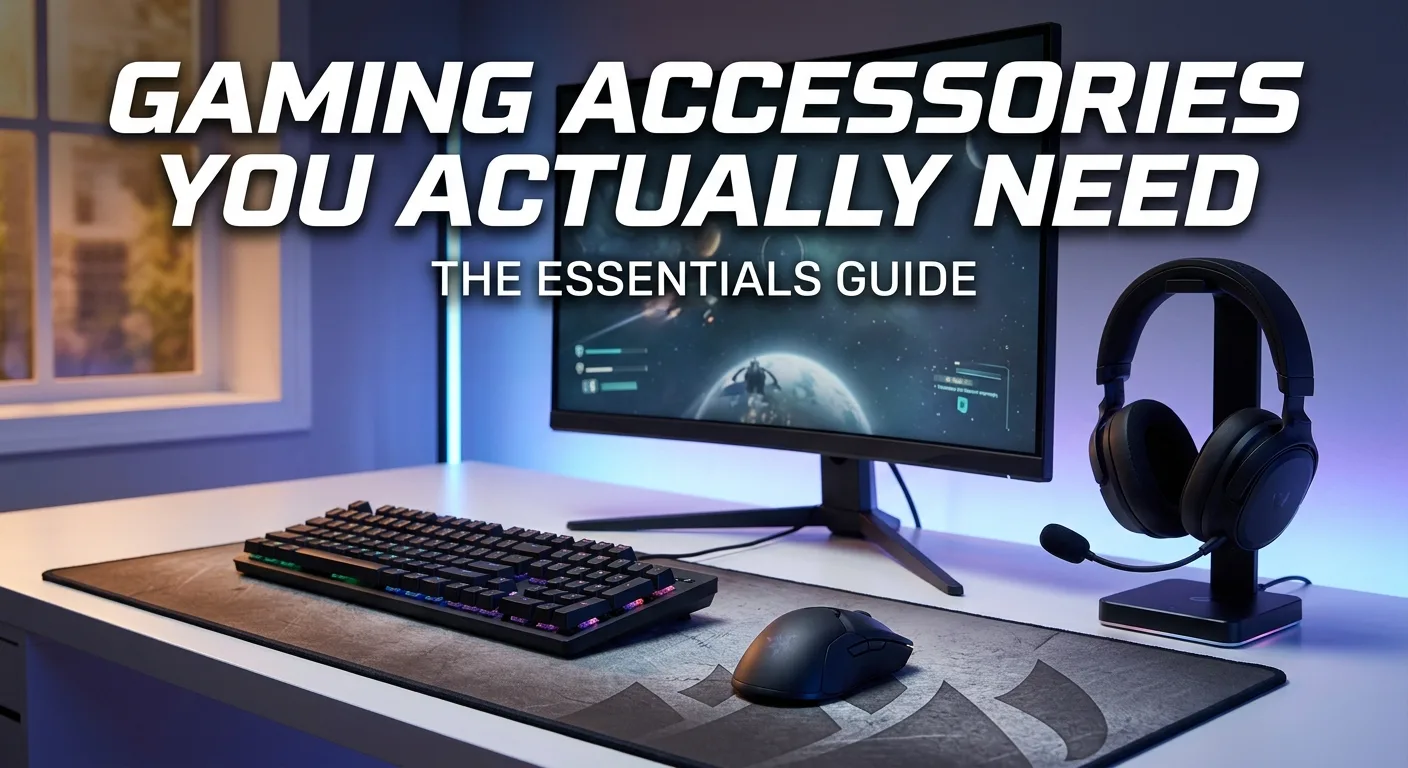
The essentials are:
Gaming Monitor
Choose based on resolution, refresh rate, response time, and panel quality.
Keyboard
A basic mechanical or quality membrane keyboard is enough for most beginners.
Mouse
Comfort and sensor quality matter more than RGB.
Headset
A decent gaming headset can provide both game audio and microphone functionality.
Mouse Pad
A simple large mouse pad can make the setup more comfortable.
You can upgrade these accessories later.
How Much Should You Spend on a Budget Gaming PC?
The answer depends on your target resolution and the games you play.
If money is extremely tight, a used-market build can make sense.
If you want a completely new system, an entry-level build around the $600 range can be a reasonable starting point.
Around $800, you can build a more balanced system with better upgrade potential.
Around $1,000, you can start targeting stronger 1440p-oriented hardware, depending on local component prices.
Remember that these are general budget levels, not fixed shopping prices. GPU, RAM and SSD prices can change quickly, and current 2026 hardware pricing has been particularly volatile.
Are Budget Gaming PCs Worth It in 2026?
Yes.
You don’t need a flagship processor or an expensive graphics card to enjoy PC gaming.
The biggest advantage of a budget gaming PC is that you can spend money where it actually matters.
Instead of paying for unnecessary RGB, premium cases or features you won’t use, you can prioritize:
GPU performance + reliable PSU + sufficient RAM + fast storage + good airflow.
That combination creates a much better foundation for gaming.
Conclusion
The best budget gaming PC build for beginners in 2026 isn’t necessarily the PC with the most expensive components.
For most beginners, the better approach is to decide your gaming resolution first, set a realistic budget, and then balance the CPU and GPU around that target.
A lower-cost 1080p build can be excellent for competitive games and everyday gaming. If you have more money available, moving toward a stronger GPU and an upgrade-friendly platform makes more sense than spending heavily on cosmetic features.
Before buying anything, compare the actual local price, check component compatibility, choose a reliable power supply, and leave some room for future upgrades.
Most importantly, don’t build a PC around a single component. A good gaming computer is a balanced system, and that balance is what gives you the best gaming experience for your money.