
Finding the best gaming chairs in 2026 is not simply about choosing the chair with the biggest racing-style backrest, brightest RGB lighting, or most aggressive gaming design. If you spend several hours gaming, working, editing videos, or browsing at a desk, comfort, adjustability, lumbar support, seat design, materials, and build quality matter much more.
The good news is that today’s gaming-chair market has options for almost every budget. Affordable chairs can provide useful ergonomic features without costing hundreds of dollars, while premium models offer better materials, more adjustment options, and stronger long-term comfort.
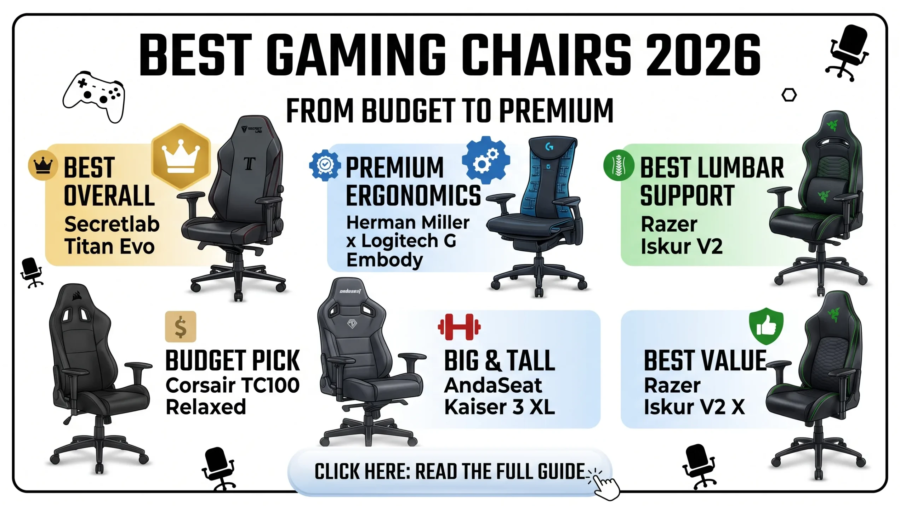
We researched current 2026 gaming-chair recommendations, specifications, pricing categories, and buying advice from established technology publications to create this guide. Current expert roundups continue to highlight models such as the Secretlab Titan Evo, Razer Iskur series, Herman Miller/Logitech G chairs, and several budget alternatives.
Affiliate Disclosure: This article may contain affiliate links. If you purchase a product through one of our links, we may earn a commission at no additional cost to you.
Quick Picks: Best Gaming Chairs in 2026
If you don’t want to read the entire guide, these are the categories worth considering:
| Category | Recommended Pick | Best For |
|---|---|---|
| Best Overall | Secretlab Titan Evo | Most gamers |
| Best Budget | Razer Iskur V2 X / comparable budget models | Buyers on a tighter budget |
| Best Premium | Herman Miller x Logitech G models | Premium ergonomics |
| Best Lumbar Support | Razer Iskur V2 | Adjustable lower-back support |
| Best for Big & Tall | AndaSeat Kaiser series | Larger users |
| Best Gaming + Office | Herman Miller x Logitech G Vantum | Work and gaming |
| Best Value | Corsair TC100 Relaxed | Budget-conscious buyers |
| Best for Long Sessions | Ergonomic office-style gaming chairs | Gamers and remote workers |
Gaming chair prices and availability can change frequently, so check the retailer before buying.
1. Secretlab Titan Evo — Best Overall Gaming Chair
The Secretlab Titan Evo remains one of the strongest all-around choices in the 2026 gaming-chair market.
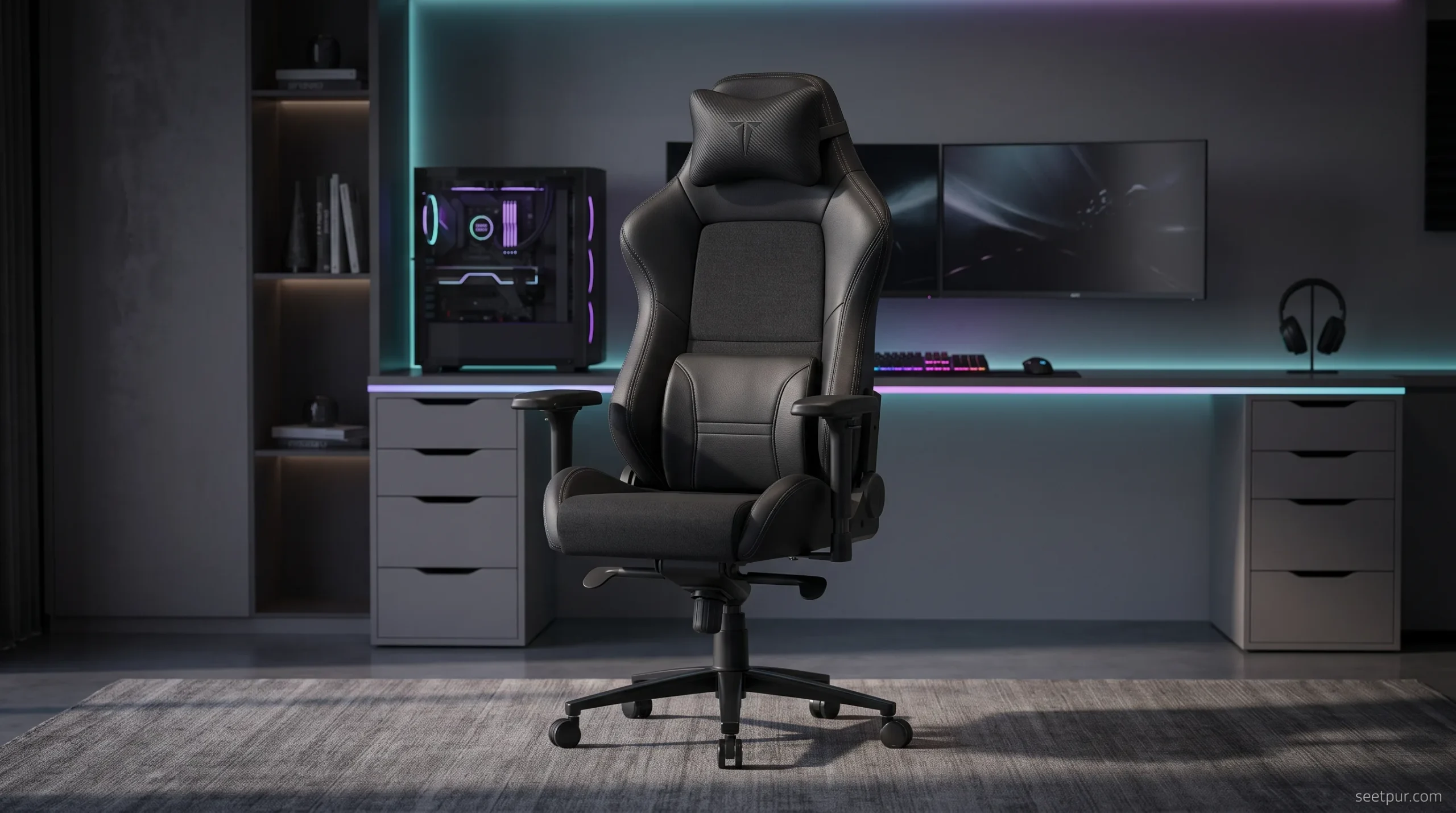
Current expert guides still recommend the Titan Evo because it combines gaming aesthetics with features useful for long periods of sitting. PC Gamer currently lists it as its overall recommendation, while Tom’s Guide also highlights it as a leading overall option.
Why consider the Titan Evo?
The chair is designed around adjustability and support rather than simply looking like a racing seat. Depending on the configuration, users can choose different sizes and upholstery options.
Important features include:
- Adjustable lumbar support
- Reclining backrest
- Adjustable armrests
- Magnetic headrest pillow
- Multiple size options
- Different upholstery choices
- Strong overall build quality
Who should buy it?
The Titan Evo makes the most sense if you want one chair that can handle:
- PC gaming
- Working from home
- Video editing
- Streaming
- General desk work
- Long gaming sessions
Who should skip it?
If your budget is limited, spending premium money on a gaming chair may not be necessary. A cheaper ergonomic chair can make more sense if you mainly want basic comfort and adjustability.
2. Razer Iskur V2 — Best for Adjustable Lumbar Support
The Razer Iskur V2 is aimed at gamers who put a high priority on lower-back support.
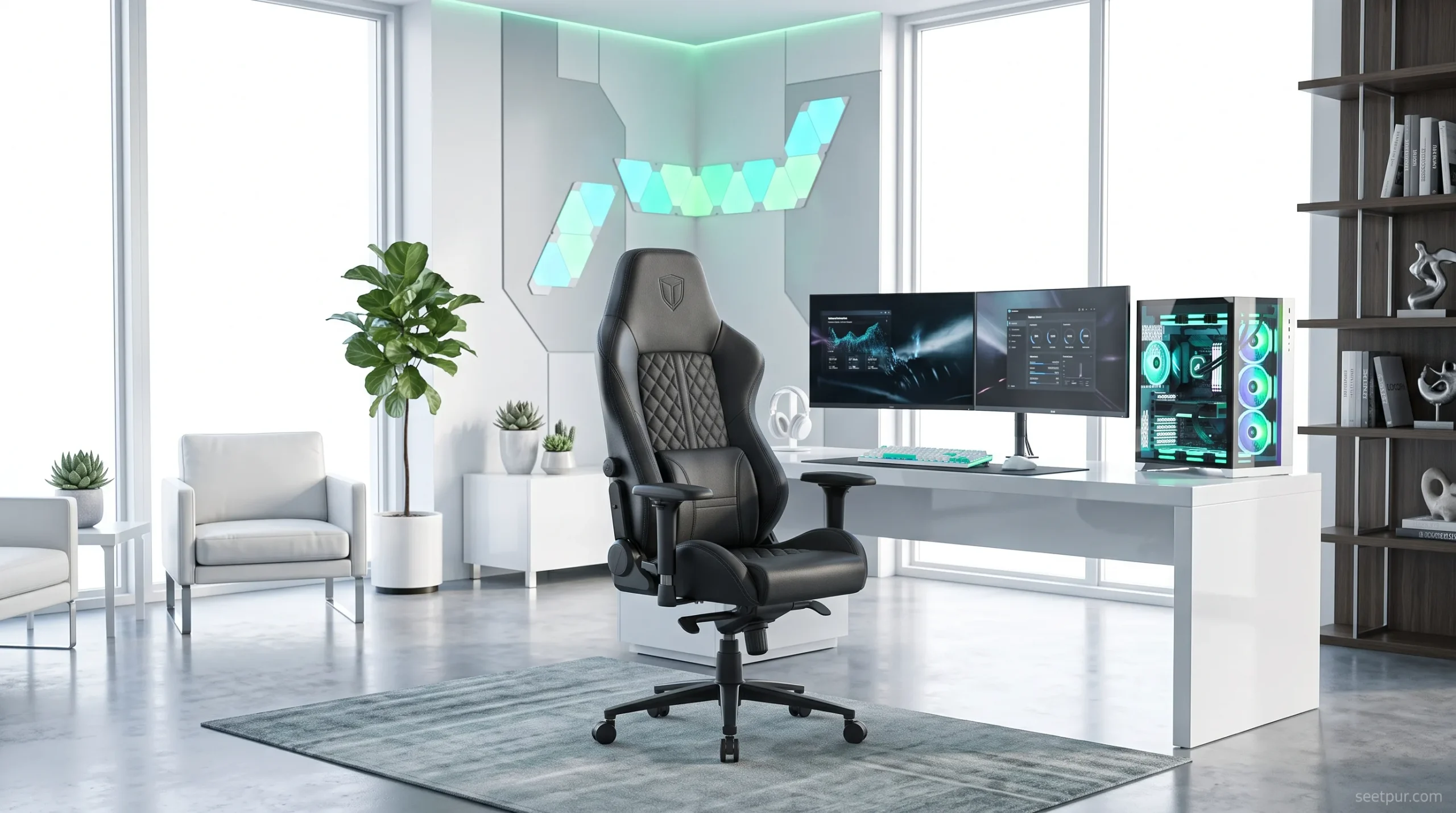
Tom’s Guide currently highlights the Iskur V2 for its 6D lumbar support system, while other 2026 gaming-chair guides also emphasize its ergonomic design.
The biggest attraction is its adjustable lumbar system. Instead of simply placing a cushion behind your back, the chair is designed to provide integrated support.
Pros
- Strong lumbar-support focus
- Highly adjustable
- Gaming-oriented design
- Good option for long desk sessions
- Multiple adjustment points
Cons
- More expensive than basic gaming chairs
- The aggressive gaming design isn’t for everyone
- Premium features may be unnecessary for casual gamers
If lower-back support is one of your top priorities, the Iskur V2 deserves a place on your shortlist.
3. Razer Iskur V2 X — Best Budget Razer Option
If the standard Iskur V2 is outside your budget, the Razer Iskur V2 X is worth considering.
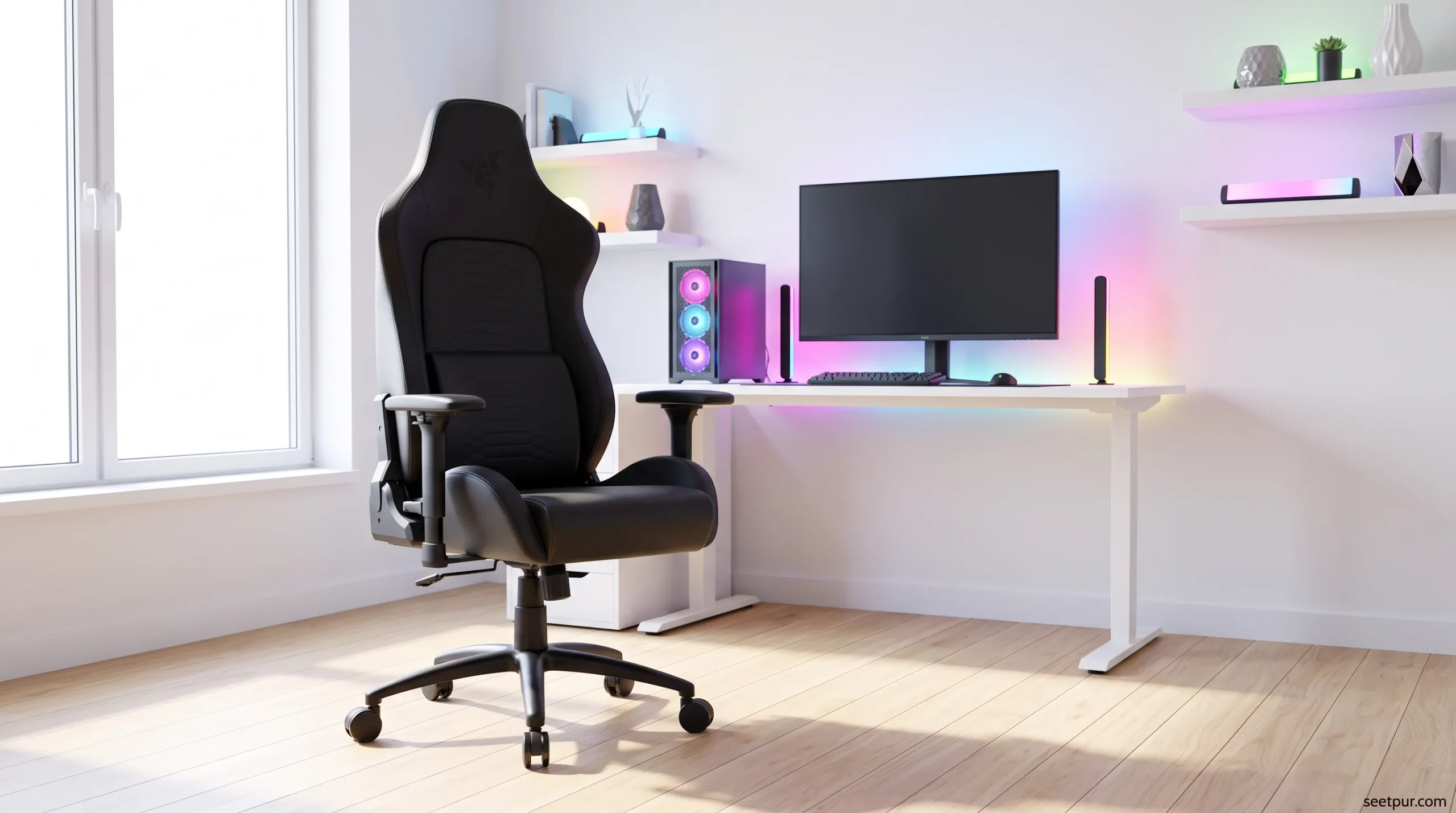
Tom’s Hardware currently lists the Iskur V2 X as one of its budget gaming-chair choices. It keeps the general Iskur design philosophy while reducing some of the adjustment features found on the more expensive model.
This makes it more suitable for someone who wants a recognizable gaming brand without moving into the highest price category.
Best for
- Budget-conscious gamers
- PC gamers
- Students
- Bedroom gaming setups
- Users who prefer a traditional gaming-chair design
4. Herman Miller x Logitech G Vantum — Best Gaming/Office Hybrid
Not every gamer needs a traditional racing-style gaming chair.
The Herman Miller x Logitech G Vantum takes a different approach by combining gaming features with office-chair ergonomics.
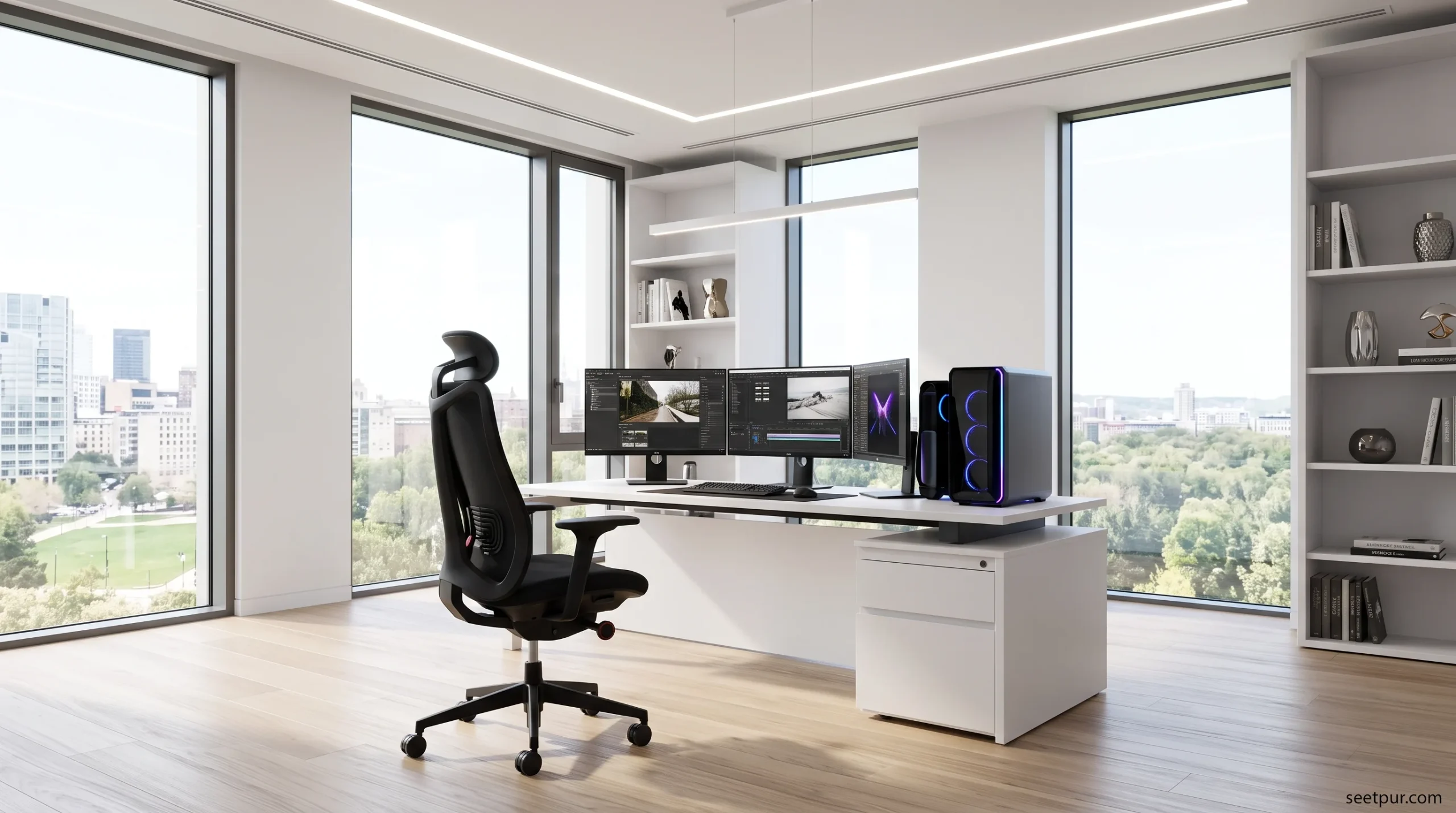
Tom’s Hardware currently lists the Vantum among its leading gaming-chair recommendations, particularly for its ergonomic approach and forward-leaning seating position.
This type of chair can be especially interesting for people who spend more time working at a computer than gaming.
Why choose an office-style gaming chair?
If your daily routine includes:
- Programming
- Web development
- Writing
- Graphic design
- Video editing
- Office work
- Gaming
then an ergonomic office-style chair can sometimes make more sense than a traditional bucket-seat gaming chair.
5. AndaSeat Kaiser Series — Best for Big and Tall Gamers
A chair can have excellent reviews and still be uncomfortable if its dimensions don’t match your body.
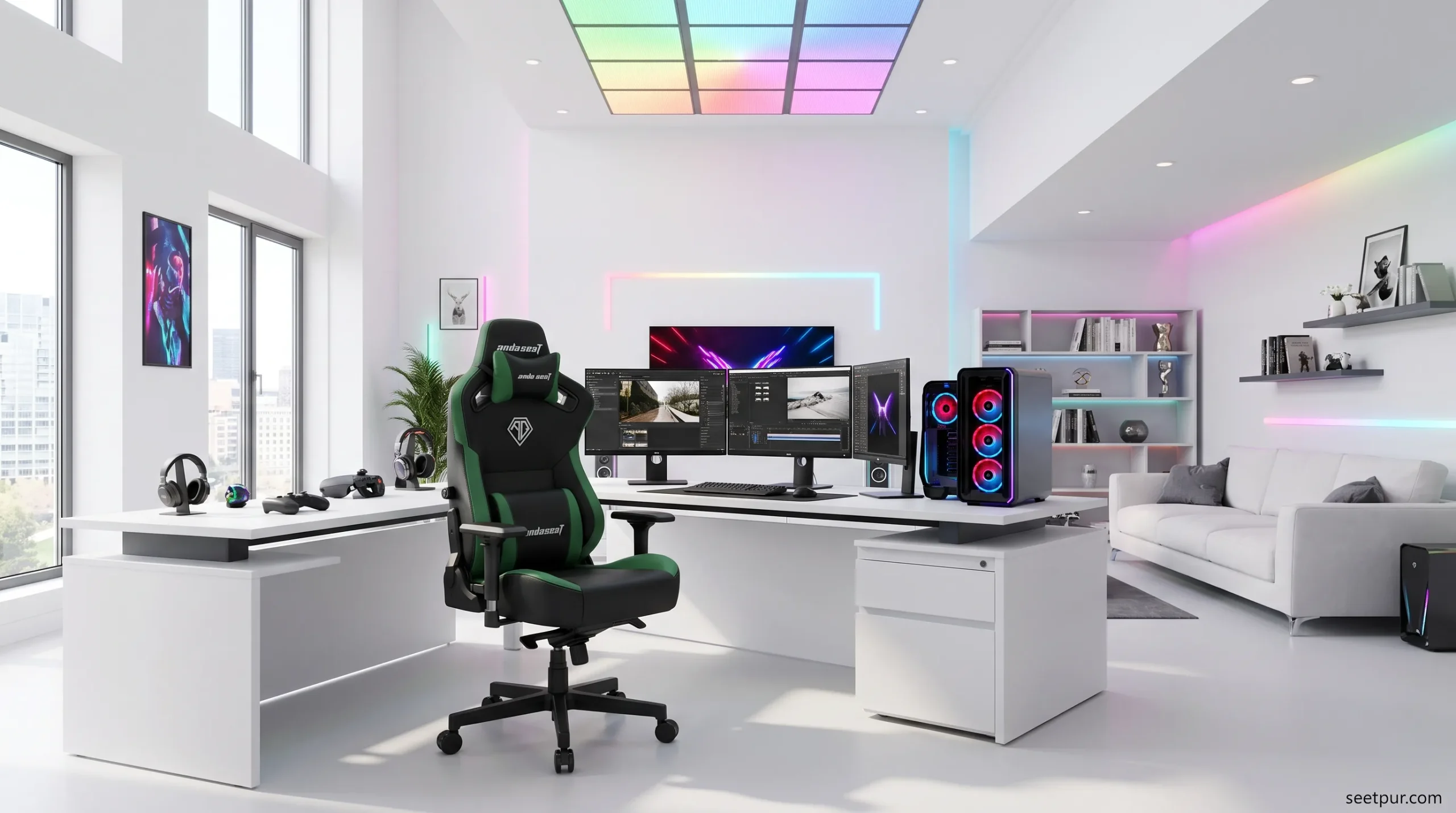
That’s why larger users should pay particular attention to seat width, backrest dimensions, height range, and maximum supported weight.
The AndaSeat Kaiser series is repeatedly recommended in 2026 gaming-chair guides as an option for big and tall users. Tom’s Guide specifically highlights the Kaiser 3 for larger users.
Before buying, check:
- Maximum weight capacity
- Seat width
- Seat depth
- Backrest height
- Recommended user height
- Armrest range
Don’t choose a chair simply because it says “XL.” Always check the manufacturer’s actual dimensions.
6. Corsair TC100 Relaxed — Best Value-Oriented Choice
The Corsair TC100 Relaxed is another model worth looking at if you want a gaming chair without moving into the premium price range.
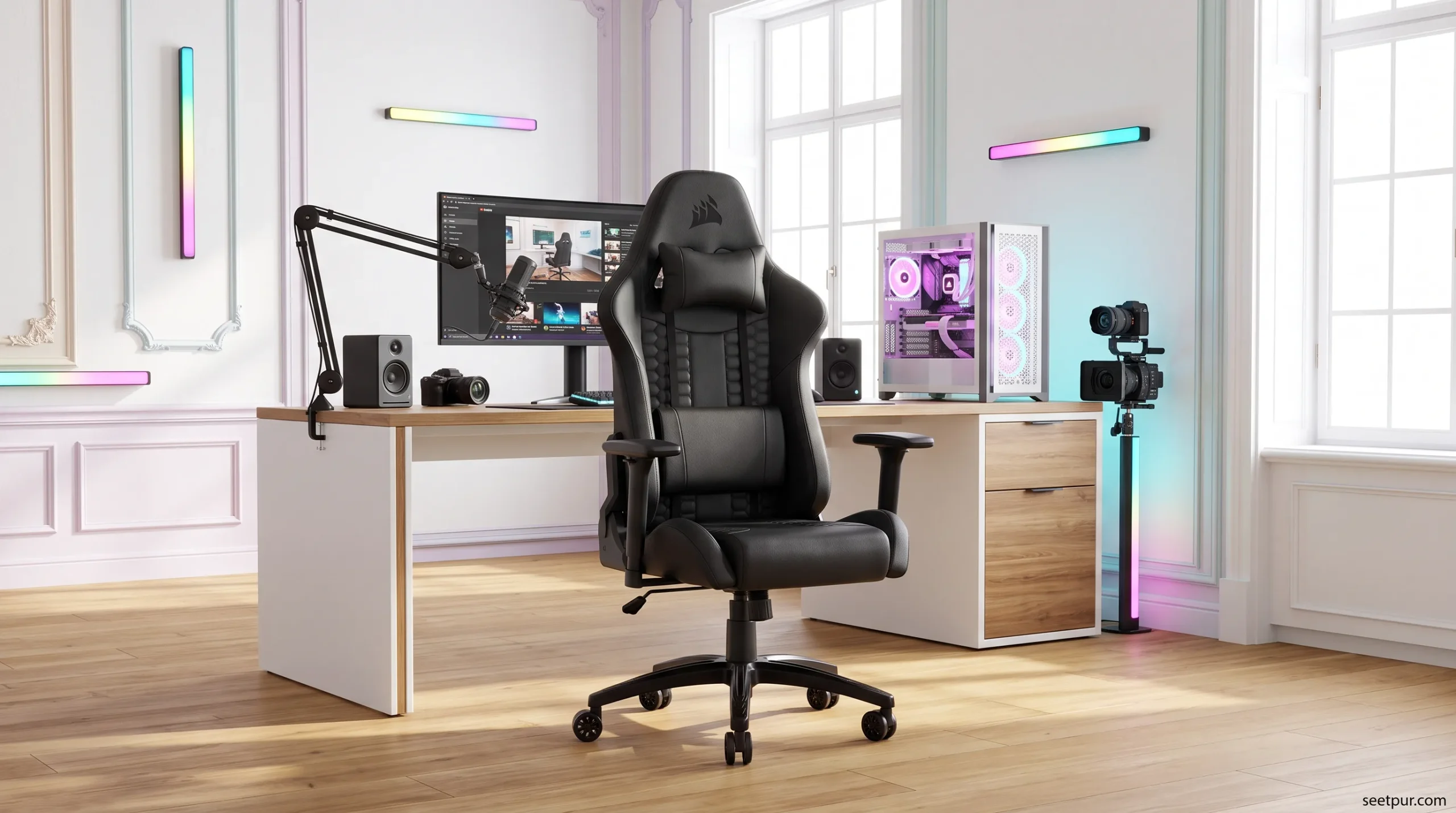
Current 2026 gaming-chair roundups continue to include the TC100 Relaxed among value-focused options.
Its “relaxed” design is particularly interesting for users who don’t like the narrow, restrictive feeling of some racing-style gaming chairs.
Why it stands out
- Wider, relaxed-style seating
- Gaming-focused appearance
- Reclining backrest
- More affordable than premium flagship chairs
- Suitable for gaming and general desk use
It is a good example of why buyers should compare the shape of a chair, not just its brand name.
7. ThunderX3 Chairs — Worth Considering for Long Sessions
ThunderX3 has also appeared in current gaming-chair recommendations, particularly where lumbar support and comfort are concerned.
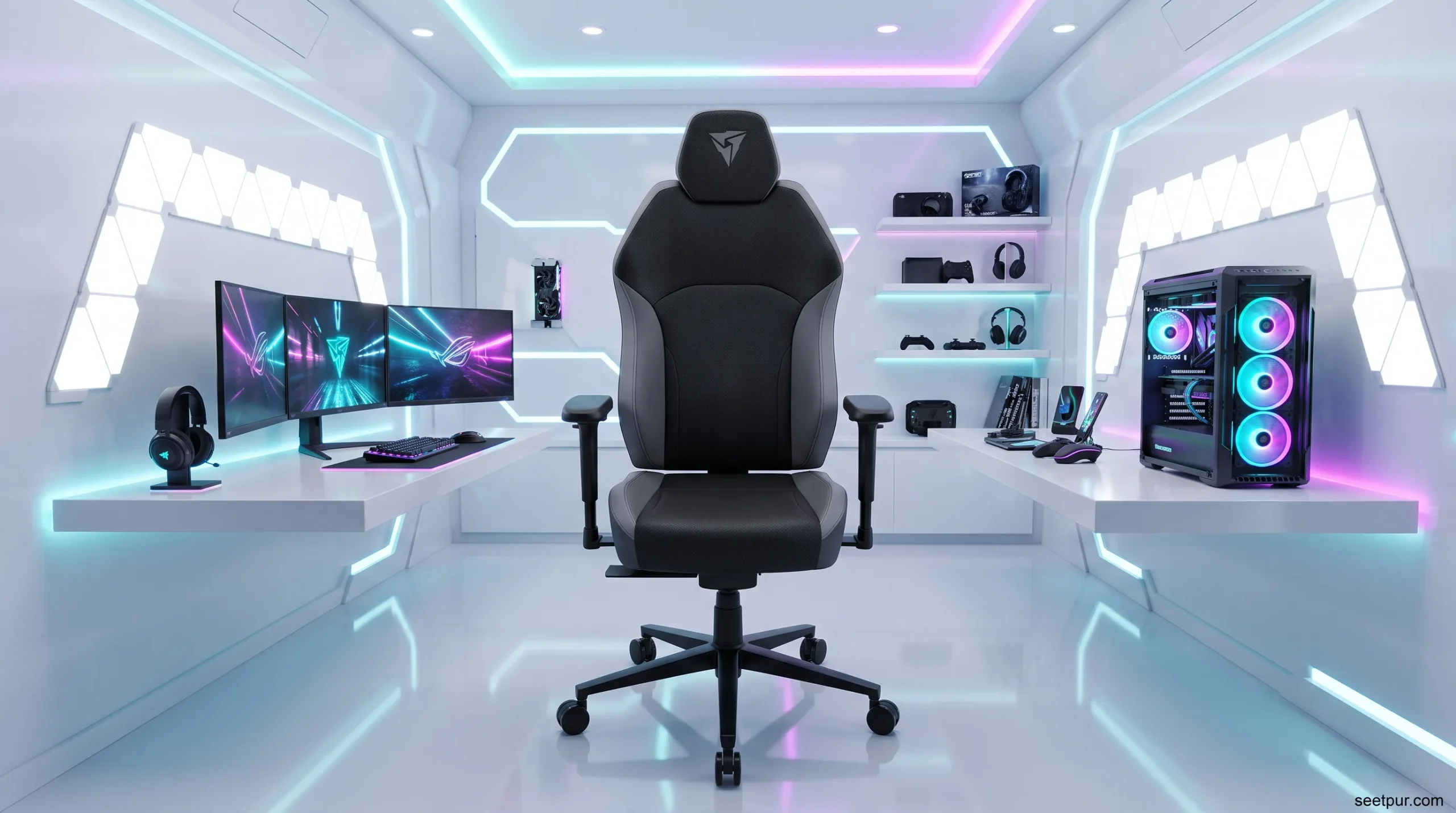
PC Gamer’s 2026 guide currently includes the ThunderX3 Solo 360 as a budget recommendation and the ThunderX3 Flex Pro as an office-style option.
The important takeaway isn’t that everyone should buy one particular ThunderX3 model. Rather, buyers should compare its ergonomics and adjustability with similarly priced alternatives before making a decision.
Gaming Chair vs Office Chair: Which Is Better?
This is one of the most important questions to answer before spending your money.
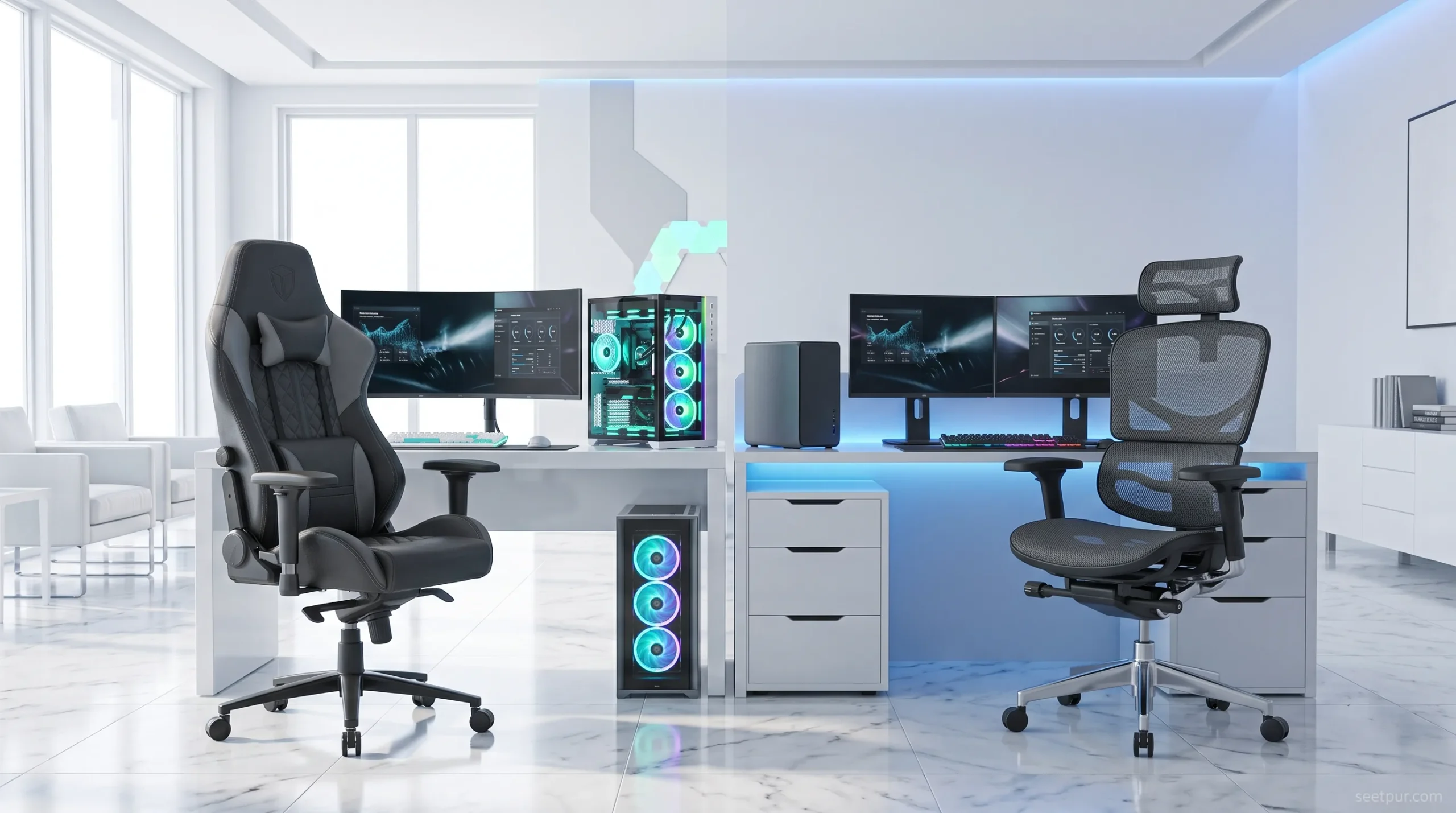
A traditional gaming chair usually has:
- Racing-style design
- High backrest
- Side bolsters
- Reclining back
- Gaming aesthetics
An ergonomic office chair usually focuses more on:
- Breathable materials
- Adjustable lumbar support
- Seat depth
- Natural sitting position
- Long-term desk comfort
Neither category is automatically better for everyone.
If appearance and gaming aesthetics matter to you, a gaming chair may be the better choice.
If you spend eight hours working and only two hours gaming, an ergonomic office chair may be more practical.
Modern gaming-chair recommendations increasingly blur this distinction, with products such as the Herman Miller/Logitech G models combining office ergonomics with gaming-oriented design.
What to Look for in a Gaming Chair
Before clicking the Buy button, consider these features.
1. Lumbar Support
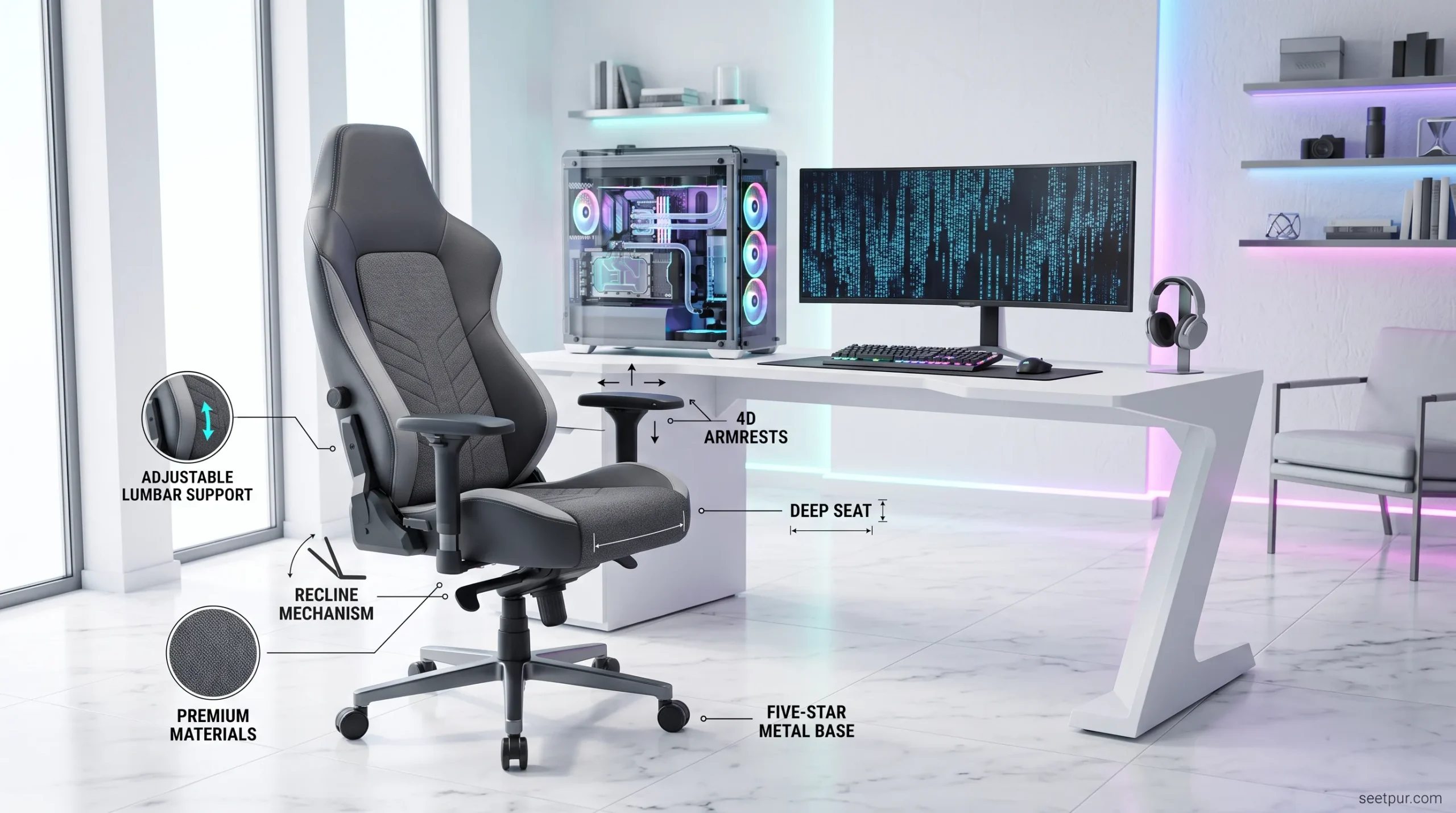
Lumbar support is one of the most important features for anyone who sits for extended periods.
The ideal setup depends on your body, so adjustable lumbar support can be more useful than a fixed cushion.
A chair that allows you to move the lumbar support up, down, forward, or backward gives you more opportunity to find a comfortable position.
2. Armrest Adjustability
Armrests affect your shoulders, wrists, and overall sitting position.
Basic chairs may only offer height adjustment, while more advanced models can provide 3D or 4D movement.
Look for armrests that allow you to position your elbows comfortably while using your keyboard and mouse.
3. Seat Width and Depth
Don’t ignore the seat.
A chair can have excellent lumbar support but still feel uncomfortable if the seat is too narrow or too deep.
Before buying, compare the manufacturer’s dimensions with a chair you already find comfortable.
4. Recline Range
A reclining backrest allows you to change position during breaks, gaming, watching videos, or relaxing.
However, a huge recline number isn’t automatically better.
A well-built mechanism and stable frame are more important than simply finding a chair advertised with the largest recline angle.
5. Upholstery
Gaming chairs commonly use materials such as:
- Fabric
- PU leather
- Synthetic leather
- Mesh
- Hybrid materials
Fabric
Usually offers a softer and less sticky feel, particularly in warmer environments.
PU Leather
Easy to clean and gives the chair a premium appearance, but heat retention and long-term durability can vary by product.
Mesh
Provides more airflow and can be attractive for users who live in hot climates.
Your room temperature and daily usage should influence the material you choose.
Are Expensive Gaming Chairs Worth It?
Not always.
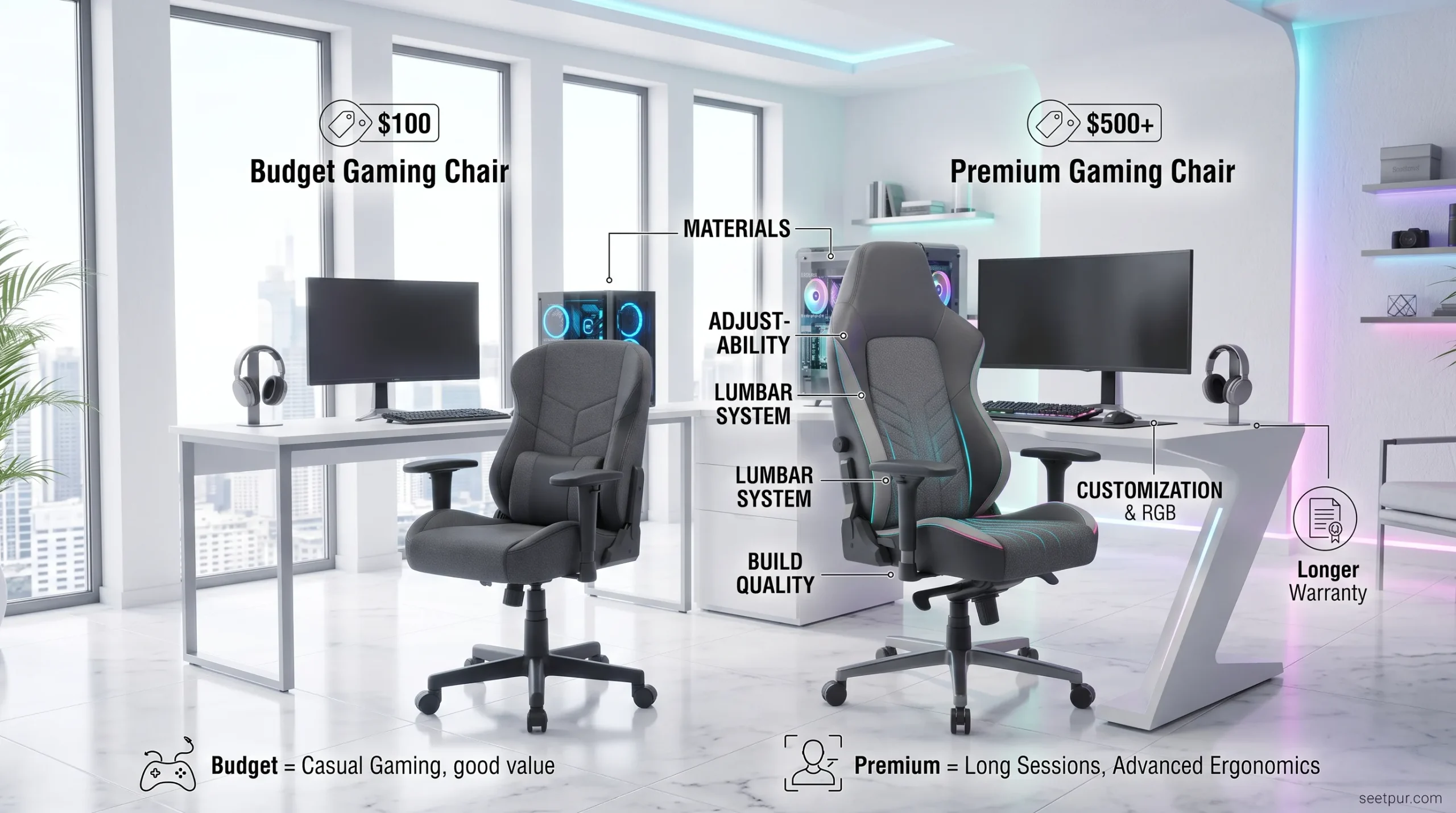
A $500+ chair isn’t automatically five times better than a $100 chair.
The biggest differences at higher prices are often:
- Better materials
- Better adjustment mechanisms
- Better lumbar systems
- Better build quality
- More refined ergonomics
- Longer warranties
- More customization
If you’re a casual gamer who sits for one or two hours a day, a good budget chair may be enough.
If you spend most of your working and gaming day at a desk, investing more in adjustability and ergonomics can make more sense.
Best Gaming Chair by Budget
Instead of choosing a chair only by its overall ranking, consider your budget first.
| Budget Level | What to Look For |
|---|---|
| Under $150 | Basic ergonomic features, decent padding, adjustable height |
| $150–$300 | Better materials, reclining, improved armrests and lumbar support |
| $300–$500 | Stronger construction and more adjustment options |
| $500+ | Premium ergonomics, materials, build quality and warranties |
Prices vary considerably by country, retailer, sales, and model configuration. Always verify the current price before purchasing.
What About RGB Gaming Chairs?
RGB lighting looks great in photographs, but it shouldn’t be your first buying criterion.
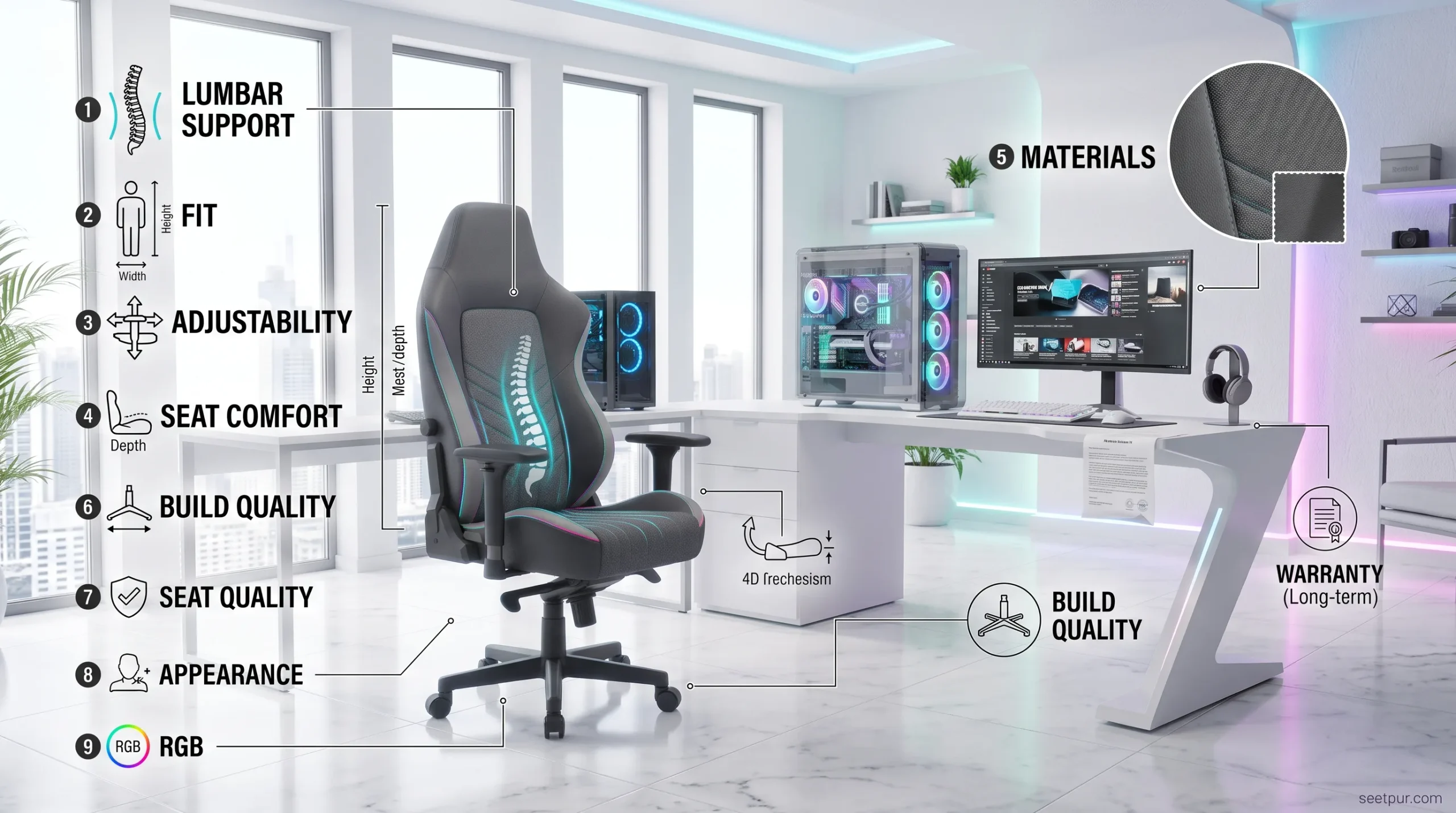
If you’re deciding between two chairs, prioritize:
Lumbar support → fit → adjustability → seat comfort → materials → build quality → warranty → appearance
RGB lighting can be a nice bonus, but it doesn’t make an uncomfortable chair comfortable.
How to Choose the Right Gaming Chair for Your Body
Your height and body size should influence your decision.
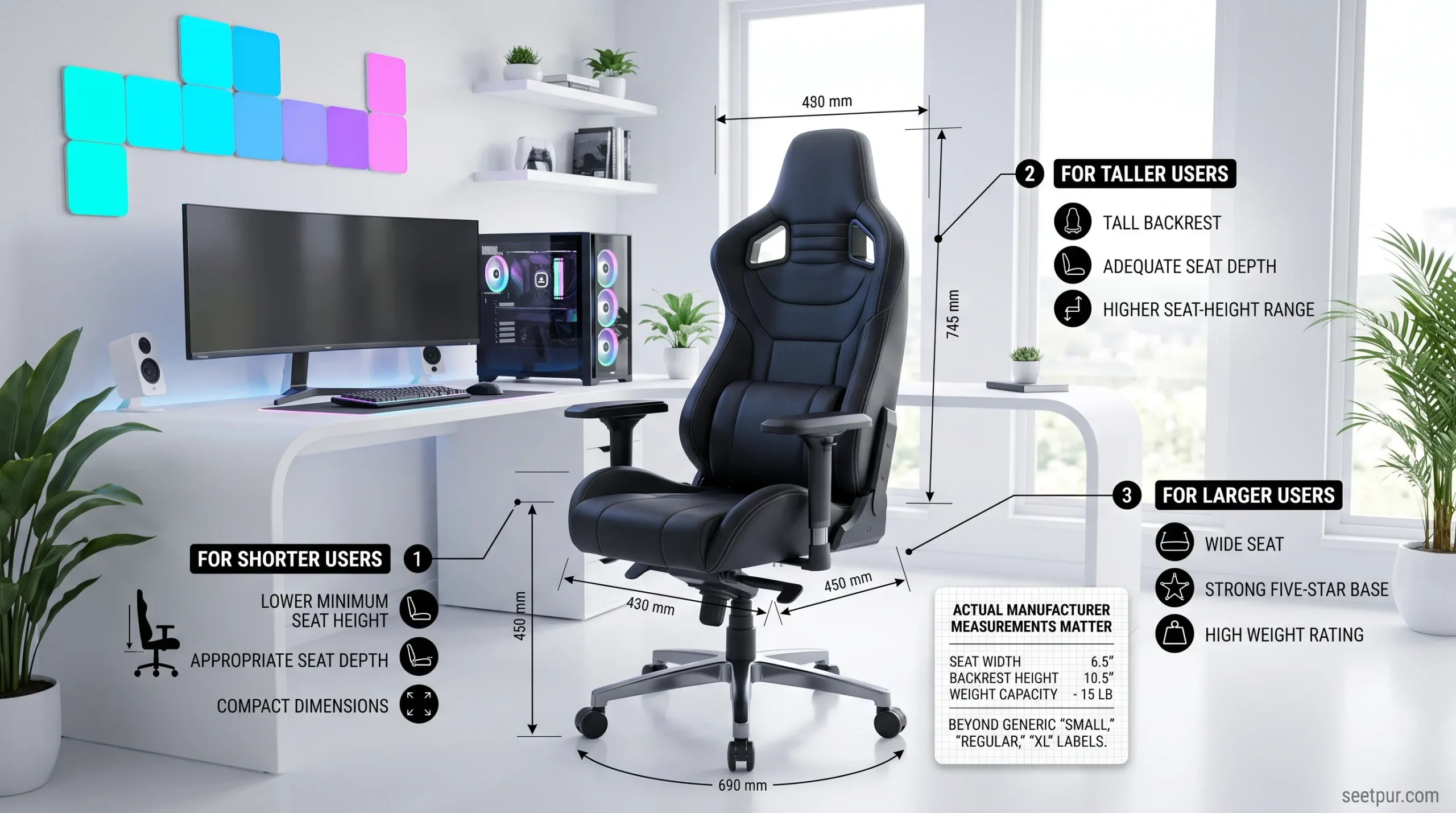
For shorter users
Look for:
- Lower minimum seat height
- Appropriate seat depth
- Adjustable armrests
- Smaller chair dimensions
For taller users
Look for:
- Tall backrest
- Adequate seat depth
- Higher seat-height range
- Appropriate weight capacity
For larger users
Look for:
- Wide seat
- Strong base
- High weight rating
- Wide backrest
- Suitable seat dimensions
Don’t rely solely on “small,” “regular,” or “XL” labels. Manufacturer measurements are more useful.
Gaming Chair Buying Mistakes to Avoid
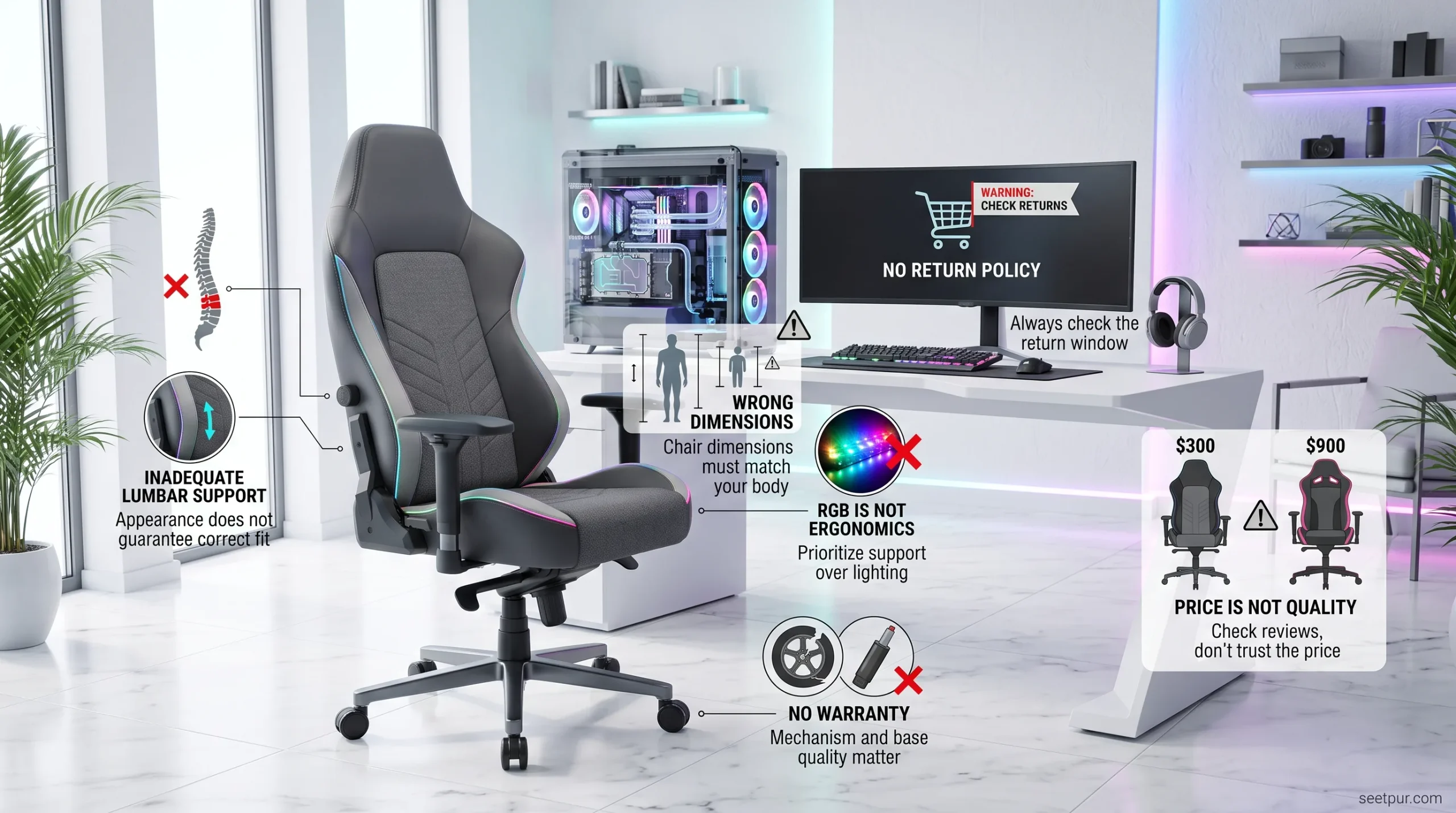
Buying Based Only on Appearance
A chair can look fantastic in a gaming setup and still be uncomfortable.
Ignoring Your Height and Weight
A chair that fits one person may be completely wrong for another.
Choosing RGB Over Ergonomics
Lighting is a visual feature, not an ergonomic feature.
Buying Without Checking the Return Policy
If possible, choose a retailer with a reasonable return policy, especially when buying an expensive chair online.
Ignoring the Warranty
A gaming chair contains moving mechanisms, a gas lift, wheels, armrests, and reclining components. Warranty coverage can therefore matter.
Assuming More Expensive Means Better
Premium pricing doesn’t guarantee that a chair will fit your body.
Can a Gaming Chair Be Used for Work?
Absolutely.
In fact, many people use the same chair for:
- Gaming
- Freelancing
- Programming
- Web development
- Graphic design
- Video editing
- Studying
- Remote work
If you’re sitting at a desk for several hours every day, your decision should be based more on ergonomics and fit than on whether the chair has a “gaming” label.
For mixed work-and-gaming setups, office-style gaming chairs are particularly worth considering.
How We Would Choose a Gaming Chair
There isn’t one perfect gaming chair for every person.
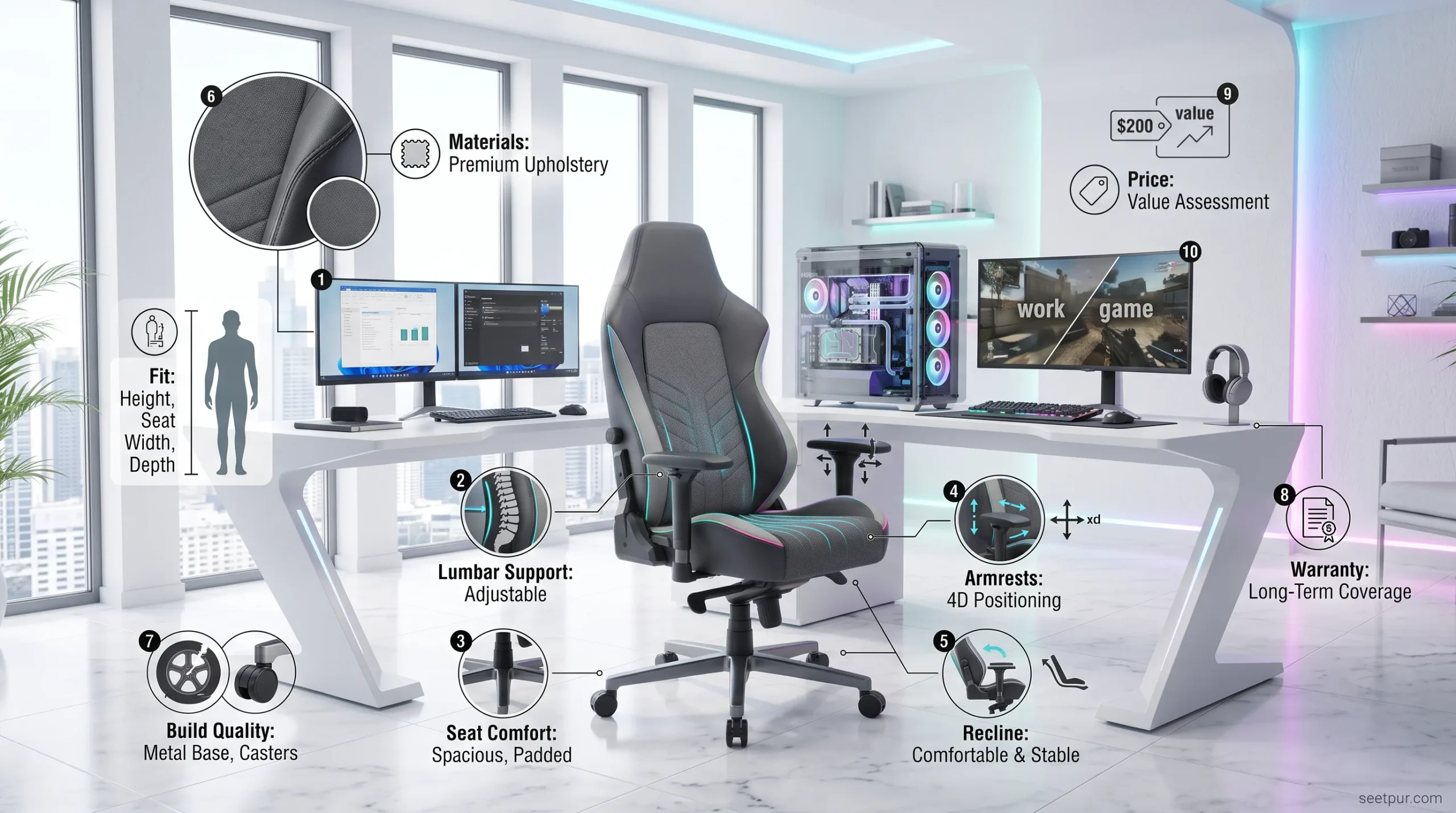
A sensible comparison should consider:
- Fit — Does it match your height and body size?
- Lumbar support — Can you adjust it to your preferred position?
- Seat comfort — Is the seat wide and deep enough?
- Armrests — Can you position your arms naturally?
- Recline — Is the mechanism stable and useful?
- Materials — Is the upholstery suitable for your climate?
- Build quality — Does the chair feel designed for long-term use?
- Warranty — What happens if a component fails?
- Price — Does it provide enough value for your budget?
- Use case — Gaming only, or gaming plus work?
This approach is more useful than simply choosing whichever chair has the highest rating.
Frequently Asked Questions
What is the best gaming chair in 2026?
The Secretlab Titan Evo is one of the strongest overall options in current 2026 expert guides, thanks to its combination of comfort, support, adjustability, and build quality. However, the best chair for you depends on your size, budget, and preferred sitting position.
What is the best budget gaming chair?
There isn’t one universal winner because budget and availability vary by country. Current 2026 recommendations include models such as the Razer Iskur V2 X and Corsair TC100 Relaxed among value-oriented choices.
Are gaming chairs good for long hours?
They can be, but the gaming label doesn’t guarantee good ergonomics. For long sessions, prioritize adjustable lumbar support, seat fit, armrest positioning, recline, and overall adjustability.
Is a gaming chair better than an office chair?
Not necessarily. An ergonomic office chair can be an excellent choice for gaming, particularly if you also work at the same desk. Modern hybrid gaming chairs are increasingly combining features from both categories.
Is lumbar support important?
Yes. Good lumbar support can help you maintain a more comfortable sitting position. Adjustable support is generally more flexible because people have different body shapes and preferences.
Should I buy a leather or fabric gaming chair?
It depends on your environment and preference. Fabric can feel more breathable, while synthetic leather is easy to clean and has a classic gaming-chair appearance.
How much should I spend on a gaming chair?
You don’t necessarily need to spend hundreds of dollars. Start by determining your budget, then prioritize fit, lumbar support, seat comfort, adjustability, and build quality rather than buying based on appearance alone.
Conclusion
The best gaming chair in 2026 isn’t necessarily the most expensive one. The right choice is the chair that fits your body, supports your preferred sitting position, provides useful adjustments, and offers good value for the amount of time you spend at your desk.
For an all-around premium gaming experience, the Secretlab Titan Evo is one of the strongest options to consider. For adjustable lumbar support, the Razer Iskur V2 is worth a closer look. Budget buyers can compare options such as the Razer Iskur V2 X and Corsair TC100 Relaxed, while larger users should pay close attention to the AndaSeat Kaiser range. For people who want gaming and office ergonomics in one chair, Herman Miller x Logitech G models are another interesting category.
Before buying, don’t forget the most important rule:
Choose the chair based on your body and your daily use—not just its gaming appearance.
A chair that feels comfortable after five minutes in a showroom may feel very different after five hours at your desk. Check the dimensions, adjustment range, warranty, return policy, and current price before making your final decision.